Updated
Your welcome guide is a web page your guests open on their phone: no app to install, no account to create. You can send them the link in your messages, display a QR code in the property, give them a PDF, and let your AI co-host point them to the right page when they ask a question.
This article explains each option and what your guests see.
Creating, editing and translating the guide is free. To let guests open it (link, QR code or PDF), the property needs a subscription that includes the welcome guide: the Digital welcome guide plan or the AI Channel Manager plan (see pricing).
Without it, the Share window shows A subscription is required to share your welcome book, with a link to subscribe, and the link does not open for guests yet.
At the top right of the guide editor, Preview opens the guide exactly as guests see it, in the language you are editing. It works before you subscribe, so you can check everything first. The preview link expires after 15 minutes: don’t send it to guests, use the link from Share instead.

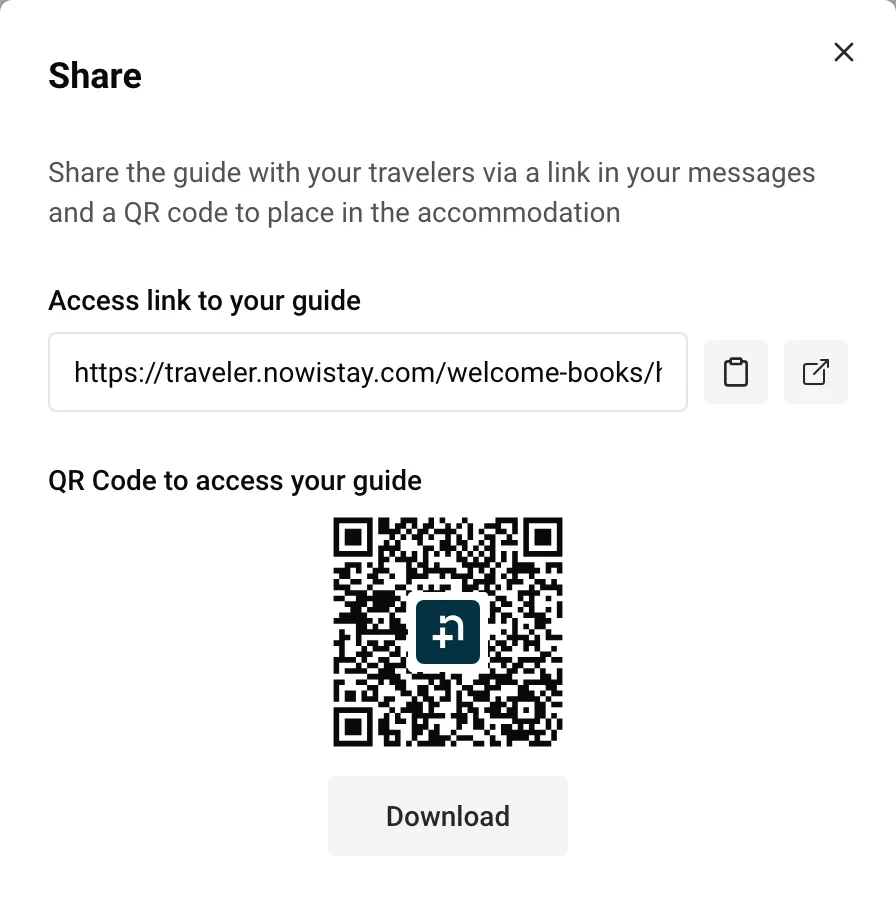
The link is the same for every guest and stays the same when you edit the guide, so a printed QR code keeps working. Display it where guests look for information: at the entrance, on the fridge, next to the WiFi details or in a printed binder.
The easiest way is to let Nowistay send it. In your automated guest messages, insert the {{welcome_guide_url}} variable, for example in the message sent a few days before arrival. Nowistay replaces it with a link personalized for each booking: it gives access to your extras and, when the voice assistant is active, to the voice assistant, without the guest typing any code. See How to set up automated guest messages.
When you sell extras or use the voice assistant, the details of each booking also show this guest’s Personalized guide link, ready to copy.
Your AI co-host can also send the guide link in its replies when it helps the guest.
Booking.com guests can’t click your guide link? Booking.com only makes approved addresses clickable: here is how to fix it in 2 minutes.
The download icon between Share and Preview (Export PDF) creates a PDF of the guide in the language you are editing. The PDF has a cover, a table of contents, one chapter per page, and a last page with a QR code to the online guide. Each video becomes a QR code the guest scans to watch it.
Guests can download the same PDF themselves from the icon at the top of their guide, in the language they are reading.
The PDF always matches the guide at the moment it is downloaded. A printed copy, on the other hand, doesn’t update itself: print it again after important changes, and keep the QR code to the online guide in view.
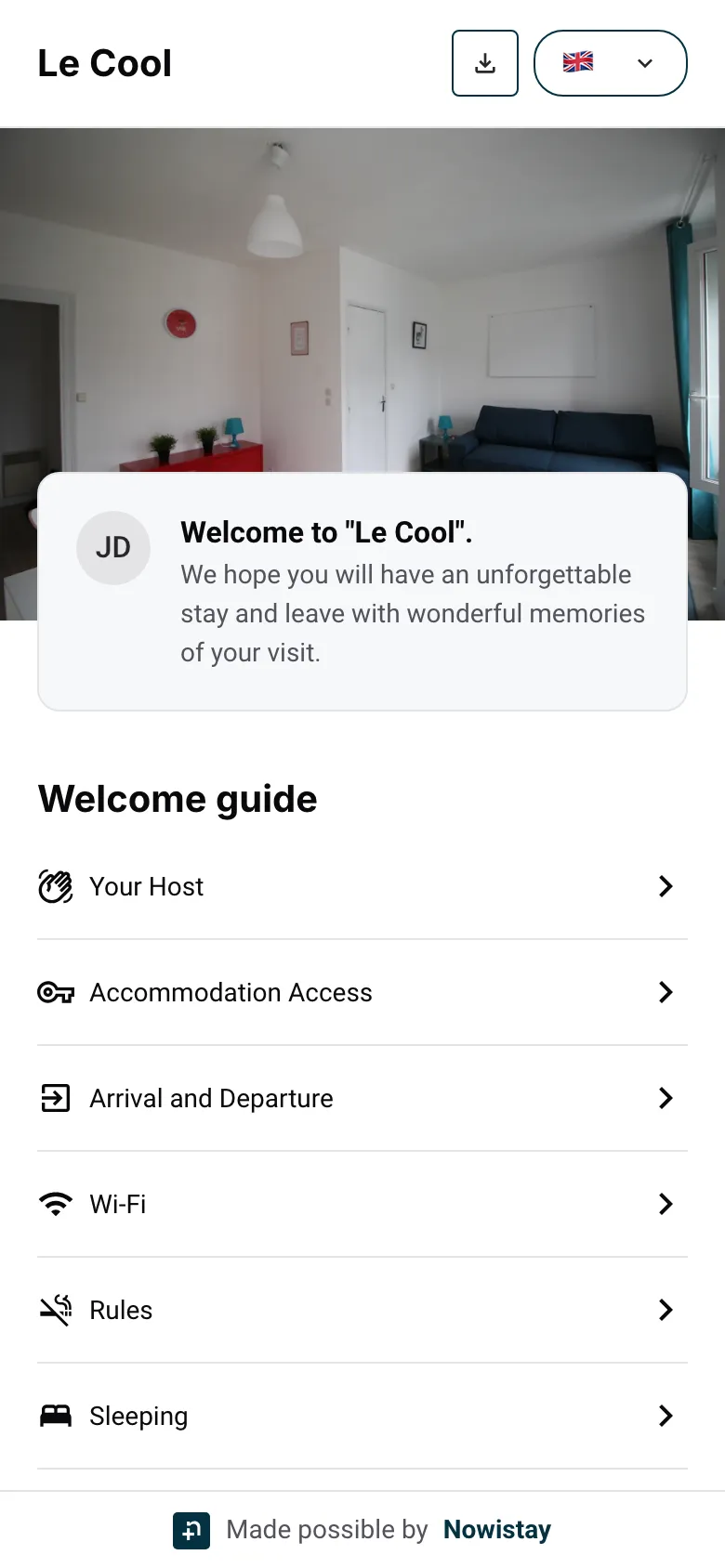
When a guest opens the link or scans the QR code, they see:
Anyone who has the link can read the guide. Keep in it what every guest may know, and put the rest elsewhere:
If the link has been shared too widely, you can replace it: on the property card, open the ”…” menu, then Advanced settings. In the Welcome Guide section, click Reset identifier and confirm.
The old link stops working at once, and so do the QR codes printed with it, including the extras shop QR code. Replace the printed QR codes and any link you pasted by hand. Messages sent from now on with {{welcome_guide_url}} use the new address automatically.
Guides for hosts: read the blog.
Ready to Put Your Rental on Autopilot?
