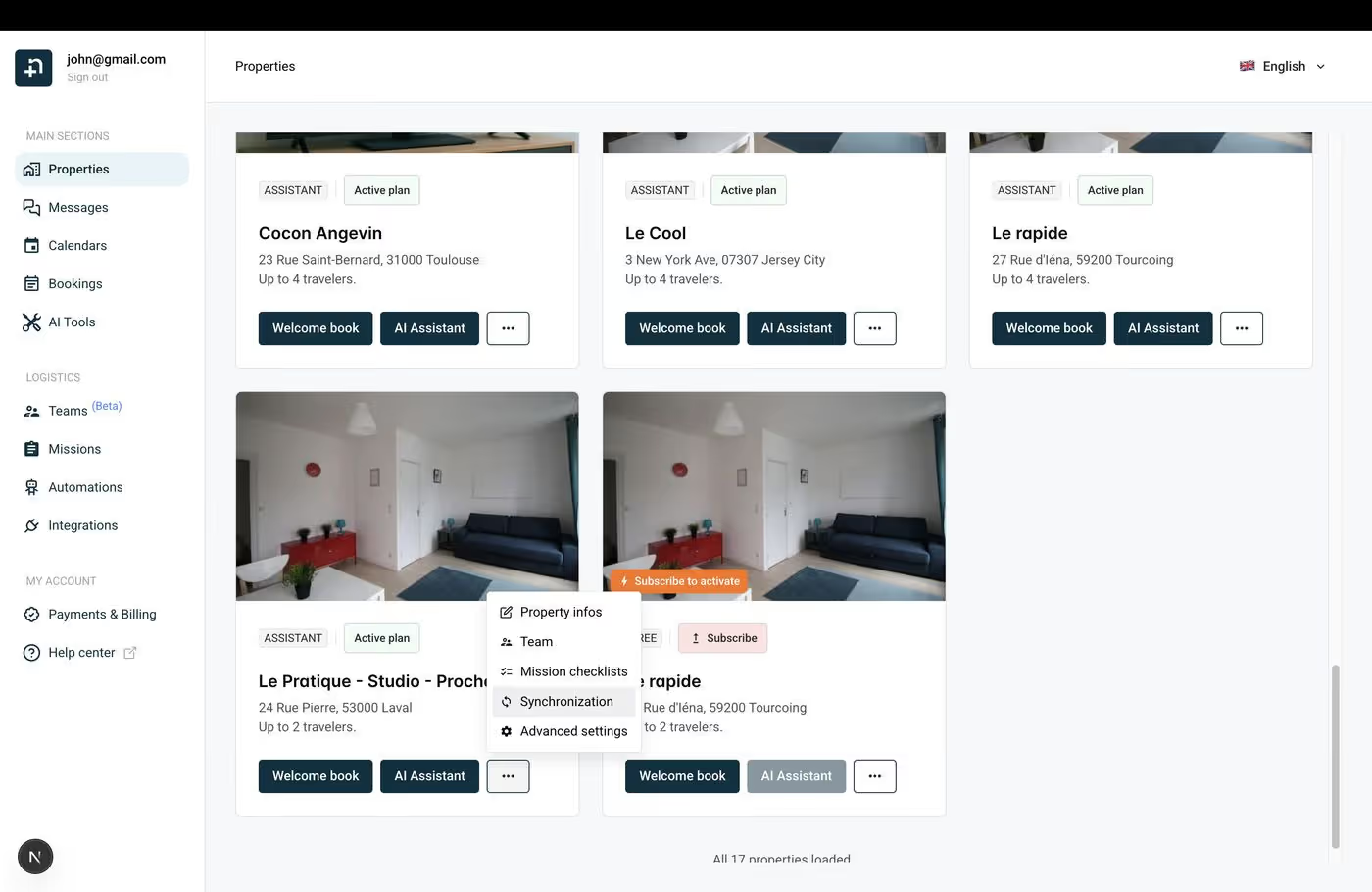
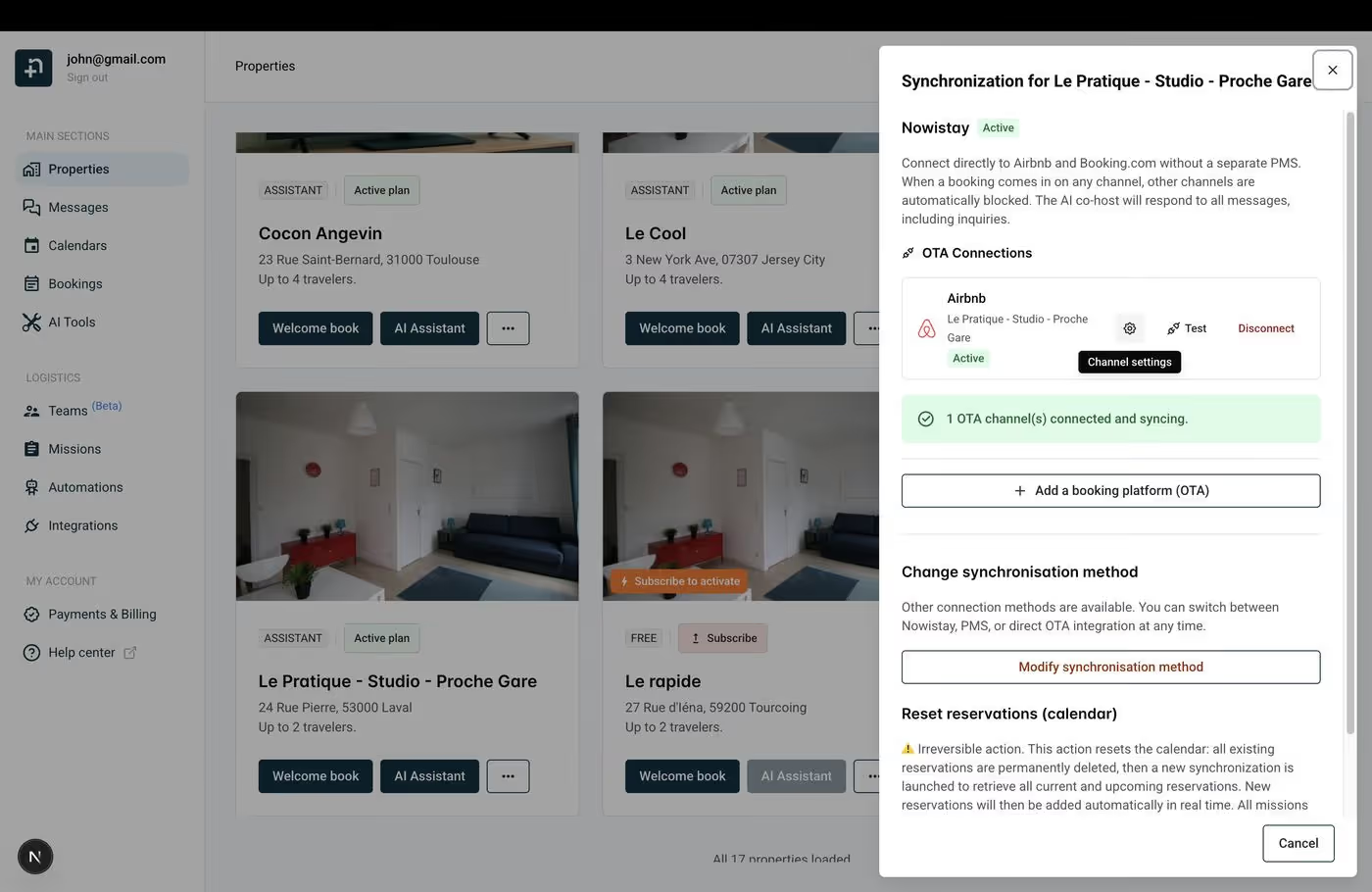
When your Airbnb listing is connected through the Nowistay PMS integration, you can fine-tune its availability rules directly from Nowistay. The Airbnb Availability tab in the channel settings lets you control advance notice, preparation time, booking window, maximum stay length, and which days of the week guests can check in or out.
These settings apply specifically to your Airbnb listing. Daily restrictions managed from the Nowistay calendar can still override them.
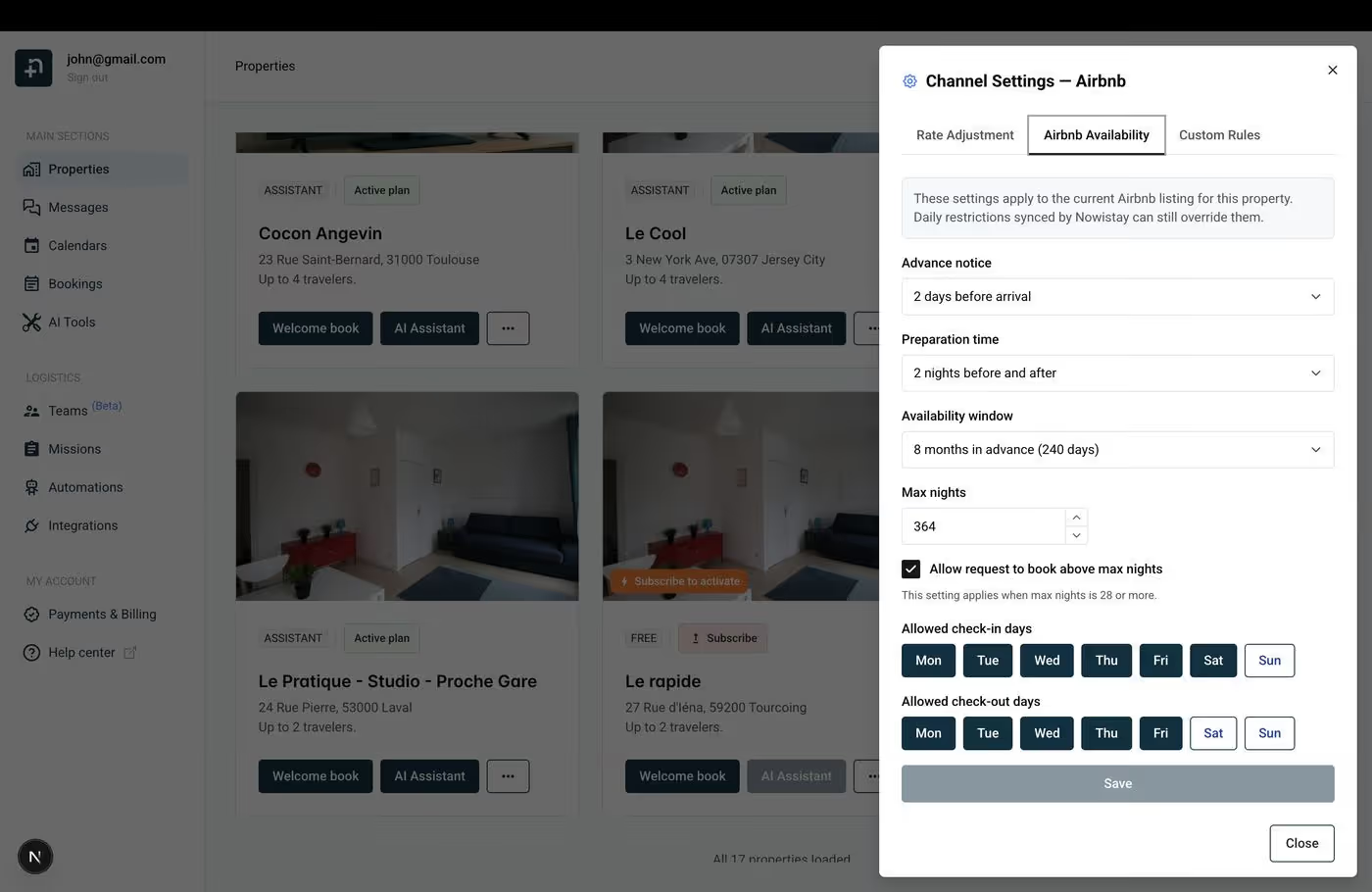
This controls how far in advance a guest must book before their arrival. For example, 2 days before arrival means a guest cannot make a same-day or next-day booking — they must book at least 2 days ahead.
This gives you time to prepare the property, coordinate cleaning, and avoid last-minute surprises. Choose a value that matches your operational needs:
This sets how many nights must be free before and after each booking. For example, 2 nights before and after means Airbnb will automatically block 2 nights before and 2 nights after every confirmed booking.
This is particularly useful for:
Set this to None if you’re comfortable with consecutive bookings and have a fast turnaround process.
This determines how far into the future guests can book your property. For example, 8 months in advance (240 days) means guests can only book dates within the next 8 months. Dates beyond that window will appear unavailable on Airbnb.
A shorter window keeps your far-future calendar flexible, while a longer window maximizes your booking potential for peak seasons.
The maximum number of nights a guest can book in a single reservation. For example, if set to 364, guests can book stays up to nearly a year long.
The “Allow request to book above max nights” checkbox, when enabled, lets guests send a booking request (not instant book) for stays longer than the max nights limit. This applies when the max is set to 28 nights or more. It’s a good option if you want to review long stays individually before accepting them.
Select which days of the week guests are allowed to check in. All days (Monday through Sunday) are selected by default. If you deselect certain days, guests won’t be able to start their stay on those days.
Example: If you only allow check-ins on Friday and Saturday, your property essentially becomes a weekend-arrival listing, which can help you manage turnaround schedules.
Similarly, select which days of the week guests are allowed to check out. This can be combined with check-in day restrictions to control the booking pattern.
Example: Allowing check-in on Friday and check-out on Sunday creates a weekend-only rental pattern.
After adjusting any of these settings, click Save at the bottom of the dialog. Your changes are sent to Airbnb and take effect immediately.
Click Close to exit the dialog without making changes.
