If you need to re-synchronise all your bookings (for instance if a booking is missing), follow these steps :
- Go the properties page
- Click the ”…” menu of the property and choose “Synchronization”
- Go to the “Reset reservations (calendar)” at the end.
- click “Reset the calendar”
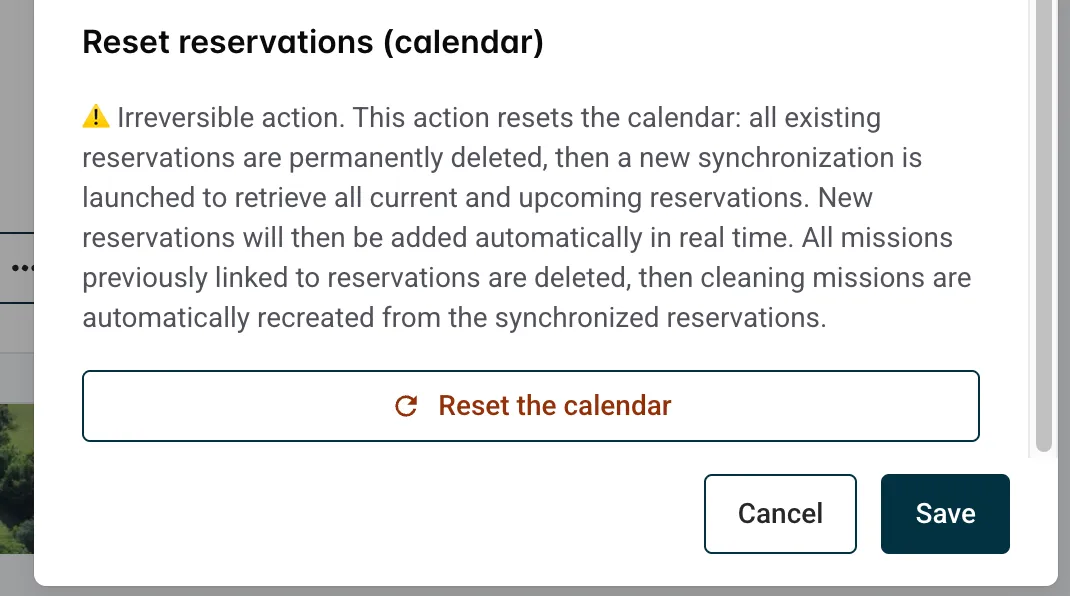
If you confirm here is what will happen :
- All of the bookings will be deleted along with their associated missions
- All of your bookings will be re-imported back to 1 year in the past.
- All of the cleaning messages will be created for these bookings (see here for more details on how this work).
- Depending on the number of created missions, you’ll may have to verify and update the assignments of the missions. Please verify.
This allows you to go back to a clean calendar and up to date.
