How to set the check-in and check-out times of your properties

All help ressources
>
How to set the check-in and check-out times of your properties

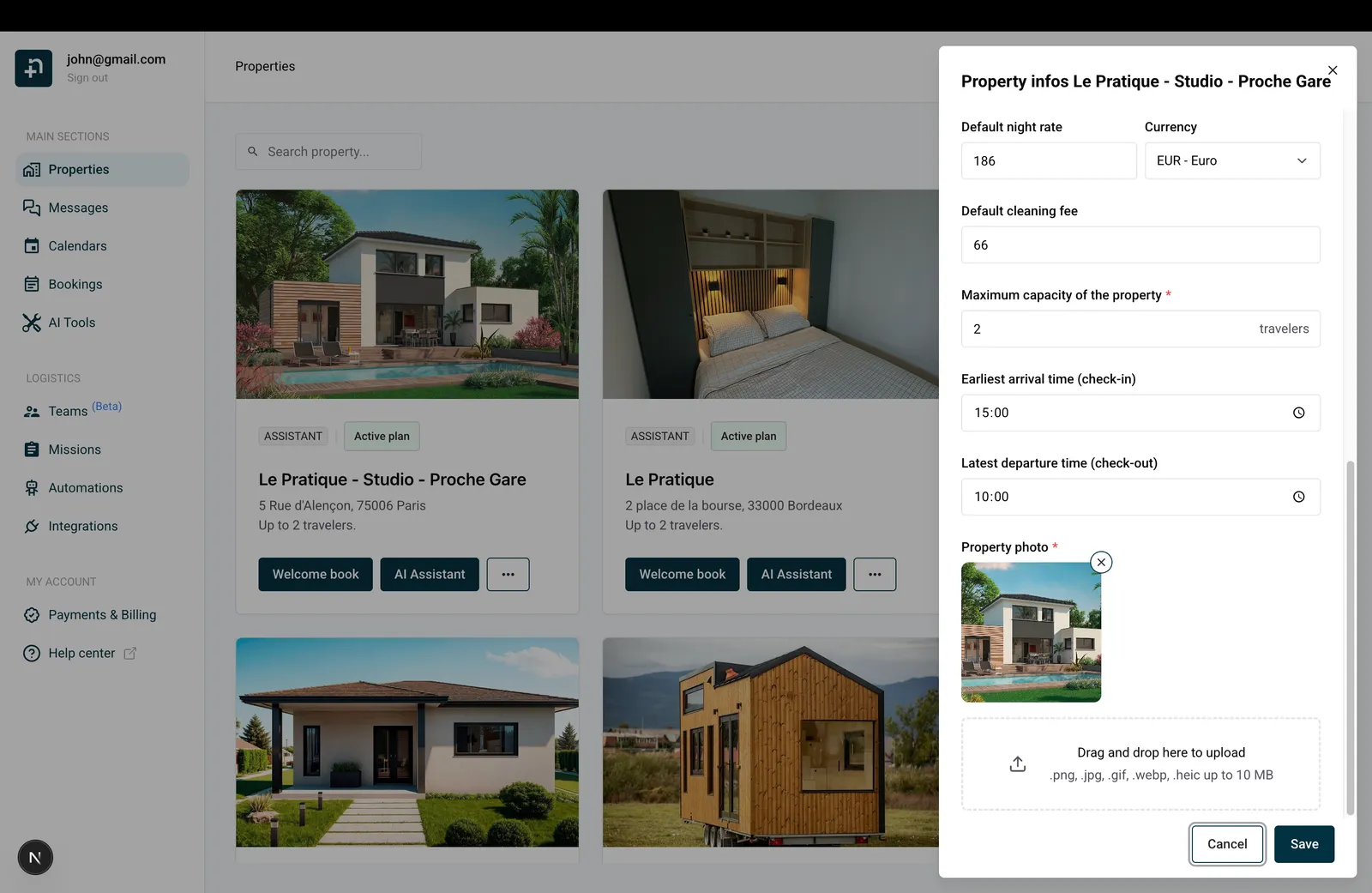
To set the check-in and check-out times of your properties :

  1. Go to the properties page
  2. Click the "..." menu on the property card.
  3. Choose "Property infos"
  4. In the form that appearead scroll to "Check-in" and "Check-out" fields. Update.
  5. Click "Save"

Done ! Now the missions automations will use these times to properly set the missions scheduled dates.

Ready to Put Your Rental on Autopilot?
Join 300+ property managers who save hours every week with AI-powered guest communication.