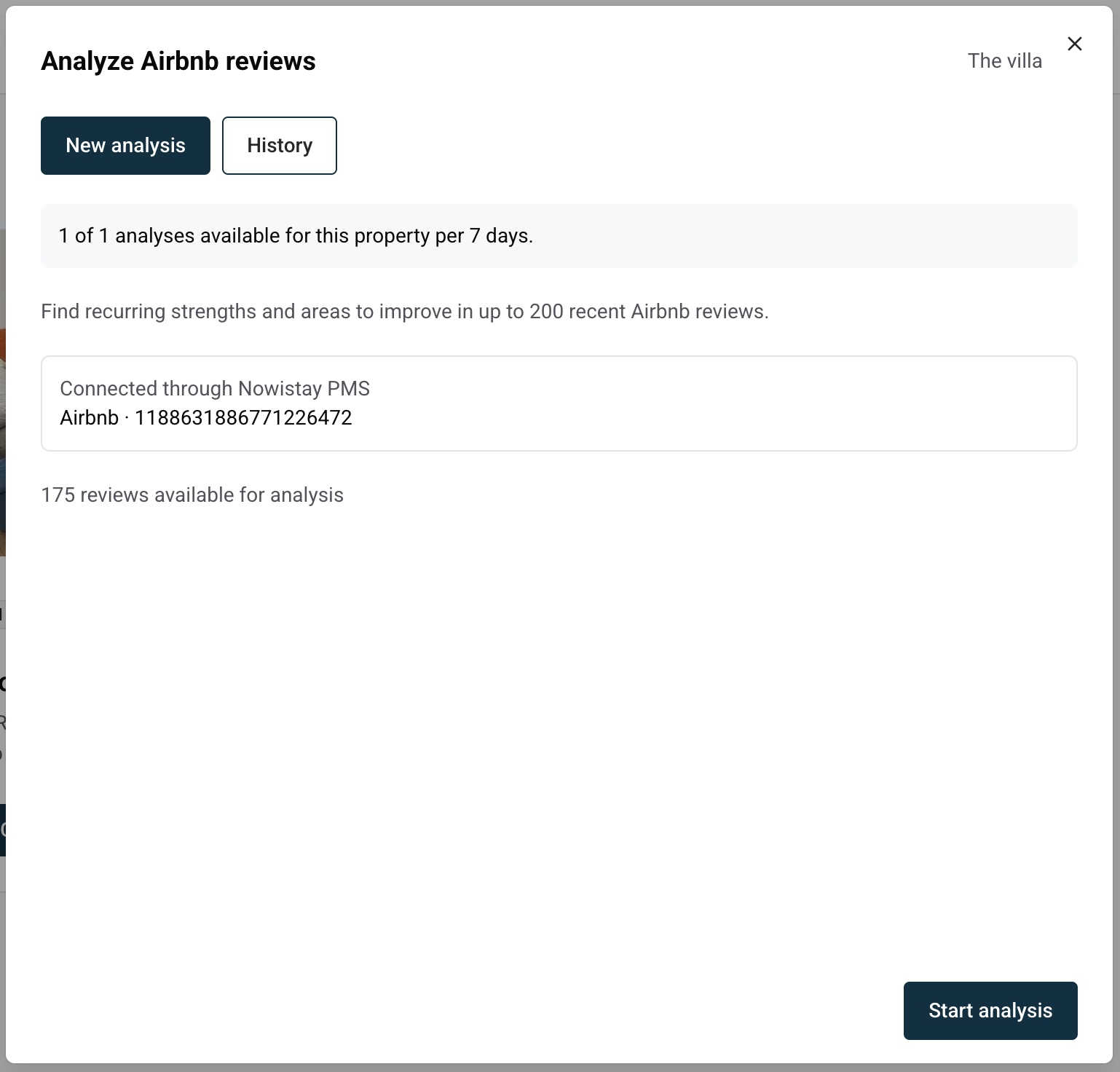
The Analyze Airbnb reviews tool reads up to 200 of the most recent Airbnb reviews of a property and turns them into a clear report: what guests appreciate, the problems that keep coming back, and an affordable action plan. No more rereading every review to spot patterns.
Which reviews are analyzed
Property connected to Airbnb through Nowistay PMS: the tool reads your review history directly, up to the 200 most recent reviews, including the private feedback guests leave only for you. Private feedback is kept separate from public reviews in the report.
Other properties: the tool uses the reviews publicly visible on your Airbnb listing. This can be a sample rather than your full history, and the panel tells you so with the note Available sample; the full history may contain more reviews.
Before you start, the panel shows how many reviews are available for analysis.
Before you start
The property needs the AI Channel Manager subscription. Without it, the AI tools are greyed out in the menu.
Nowistay needs to know the property's Airbnb listing. It is found automatically when the property is connected to Airbnb through Nowistay PMS or when its Airbnb link was already saved. Otherwise, the tool asks for it the first time.
Click the … menu on the property card (or at the end of the property row in list view) and select Analyze Airbnb reviews. You can also open it from Score & Reviews with the Analyze Airbnb reviews button.
If no listing is saved yet, paste the listing link (it contains /rooms/) or its number in Airbnb listing URL or ID, then click Save listing. You only do this once per property.
Check the number of reviews available, then click Start analysis.
The analysis runs in the background and takes a few minutes. You can close the panel and come back later: the report is waiting in the History tab.
What you get in the report
The report states how many reviews were analyzed and the period they cover, then details:
What guests appreciate, and how to put it forward in your listing.
Recurring problems: issues mentioned by several guests, with short quotes and review dates so you can check the source.
An action plan: affordable fixes in priority order, with the effort each one takes.
Isolated feedback worth checking: a single comment that may still reveal a real issue, such as a faulty appliance or a noise.
Ready-to-use marketing text based on what guests repeatedly praise (title ideas under 50 characters, lines for your description) comes with a Copy button, ready to paste into your Airbnb listing.
Every count in the report is counted from your actual reviews, never estimated. When there are only a few reviews, the report says so instead of drawing firm conclusions. Coverage and limitations, at the end, explains which reviews were included.
Usage limits and history
You can run 1 reviews analysis per property every 7 days. The counter at the top of the panel shows when the next one becomes available. An analysis that fails does not count.
Every report is kept in History. Open one to read it again, click Run a new analysis to start over, or Delete report to remove it. Deleting a report does not give the analysis back.
The report is written in the language you use Nowistay in.
Tips
Run it after a busy season or a batch of new reviews: patterns only show up once guests have had time to comment.
Fix the recurring problems first, since they affect many stays, then check the isolated ones.
Then run the Airbnb listing audit to make sure your title, description and photos highlight what guests love.