A single bad guest can cost you thousands in damages, lost bookings, and stress. Yet most vacation rental hosts have no formal screening process. This guide covers everything from ID verification and security deposits to spotting red flags in booking requests, so you can protect your property without scaring away good guests.
Nowistay's AI co-host screens inquiries and manages guest interactions 24/7.
Try it freeLet's start with an uncomfortable reality: not every booking request comes from a well-intentioned traveler. Property damage, unauthorized parties, noise complaints, illegal activity, these scenarios are rare but devastating when they happen. A single incident can result in thousands in repair costs, negative reviews from neighbors, and even legal trouble.
The good news? Most problematic stays are preventable with a thoughtful screening process. The goal isn't to interrogate every guest: it's to build a system that filters out high-risk bookings while keeping the process smooth for legitimate travelers.
Professional property managers who implement guest screening report up to 85% fewer incidents compared to those who accept every booking blindly. That's not just fewer headaches: it's real money saved.
Effective guest screening operates on multiple layers. No single measure catches everything, but combined, they create a reliable safety net.
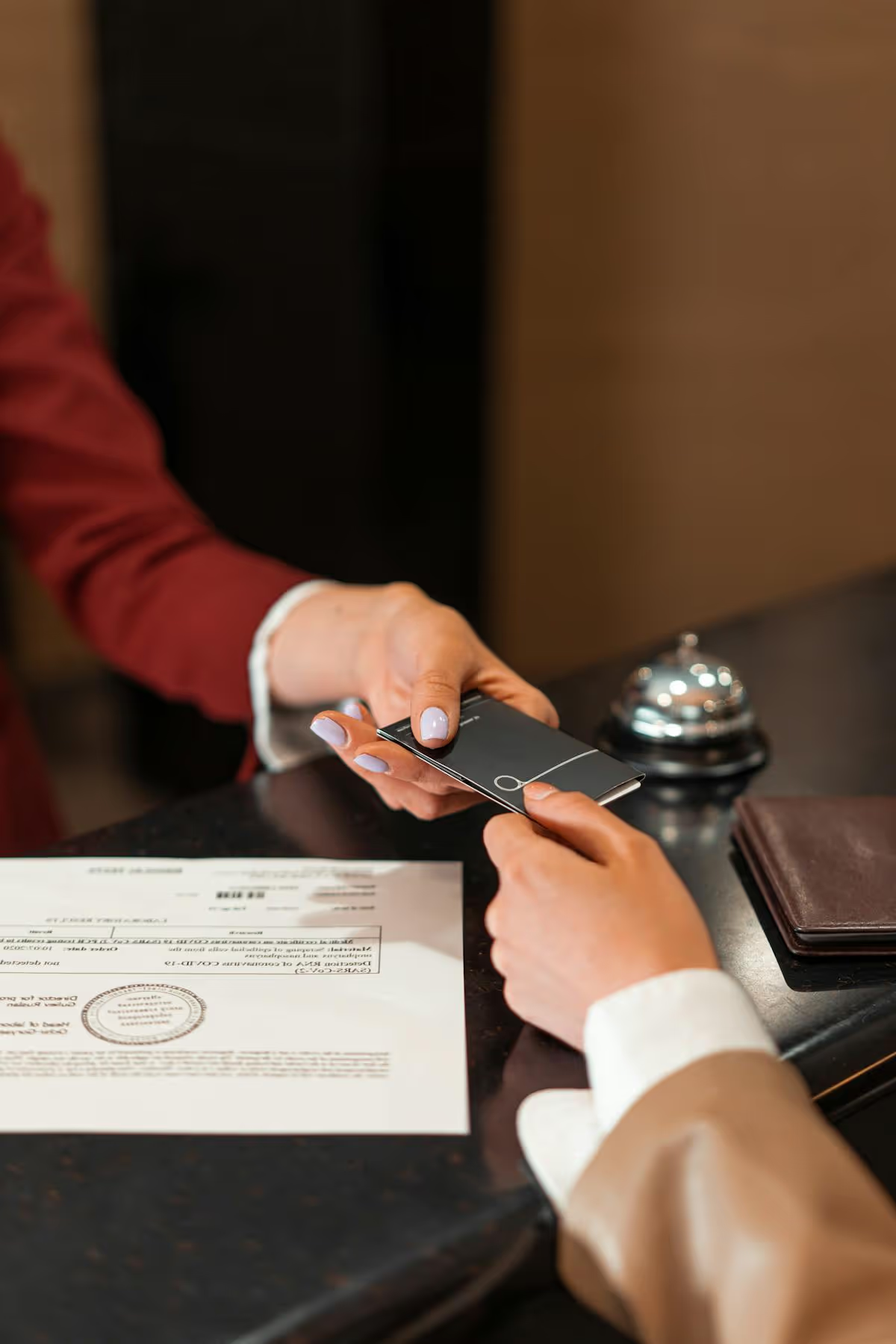
This is the foundation. At minimum, you should verify that the person booking is who they claim to be. Airbnb and Booking.com offer built-in identity verification, but these systems aren't foolproof, and they don't apply to direct bookings.
For robust ID verification:
Important: always handle ID data responsibly. Store it securely, delete it after checkout, and comply with GDPR and local privacy regulations.
With Nowistay, you can automate the entire identity verification process. Nowistay integrates directly with Stripe Identity to request and verify government-issued IDs from your guests automatically, no manual checks, no third-party tools to manage separately. What makes this especially powerful is that you can configure your automated messages so that property access instructions, door codes, smart lock PINs, check-in directions, are only sent once the guest's identity has been fully verified. This creates a seamless yet secure workflow: guests complete verification on their own time, and your check-in details are released automatically once they pass. No manual follow-up, no back-and-forth. Learn how to set up automated identity verification →
Certain booking patterns correlate with higher risk. While none of these are guarantees of trouble, they warrant closer attention:
How a guest communicates before booking tells you a lot. Pay attention to:
An automated messaging system can handle initial screening questions consistently, ensuring every guest receives and responds to the same pre-booking checklist.
Several dedicated platforms now automate the screening process. Here's how the leading options compare:
The most comprehensive automated screening platform. Uses AI to analyze booking data, verify IDs, and assign risk scores. Integrates with major PMS systems. Pricing starts around $2-3 per reservation. Best for: professional managers with 10+ properties who want fully automated, data-driven screening.
Some services combine identity verification with damage protection insurance. Guests complete a quick verification, and the service provides up to £1 million in property damage coverage. Integrates with Airbnb, Vrbo, and direct bookings. Best for: hosts who want ID verification and damage coverage in a single solution.
These services focus on identity verification and background checks. They run guests against watchlists, verify IDs, and provide risk assessments. The interface is simpler than a full automated platform, with per-check pricing. Best for: hosts wanting straightforward ID checks without the complexity of a full screening platform.
Enterprise-focused screening platform used by large property management companies. Offers multi-layer verification, compliance tools, and custom risk scoring. Integrates deeply with enterprise PMS systems. Best for: large-scale operators managing 50+ properties who need customizable screening workflows and compliance reporting.
For solo hosts, starting with your platform's built-in verification (Airbnb Verified ID, Booking.com ID checks) is reasonable. Add a dedicated guest-screening service when you expand to direct bookings. For professional managers, automated screening platforms provide the automation and depth you need at scale.
Financial protection is your second line of defense. Several approaches exist, and the best strategy often combines multiple methods.
A pre-authorized hold on the guest's credit card (typically $200-$500) that's released after checkout if no damage occurs. This is the simplest approach and creates a psychological deterrent.
Damage-protection services and Airbnb's AirCover provide insurance-style coverage. Guests pay a small fee (or it's included in the nightly rate), and the host is covered for damages up to a certain limit.
Airbnb's AirCover provides up to $3 million in damage protection. Booking.com offers a damage deposit feature. While these exist, never rely solely on platform protections, claims can be disputed, slow, and don't always cover everything.

Noise monitors are the most effective technology for preventing parties and unauthorized gatherings. The two market leaders each have distinct strengths:
All-in-one devices monitor noise levels, occupancy (via motion detection), temperature, and humidity. They come as a compact, battery-powered puck that installs in minutes. Key features:
Dedicated sensor systems focus exclusively on noise monitoring with professional-grade decibel measurement. Key features:
Which to choose? An all-in-one device is better for hosts wanting a single unit (noise + smoke + occupancy + climate). A dedicated sensor system is better for properties where noise is the primary concern and you want the most accurate decibel monitoring. For large portfolios, both offer volume discounts and enterprise features.
The same devices can estimate the number of people in your property based on noise patterns and environmental data. If someone books for 2 guests but 15 people show up, you'll know immediately.
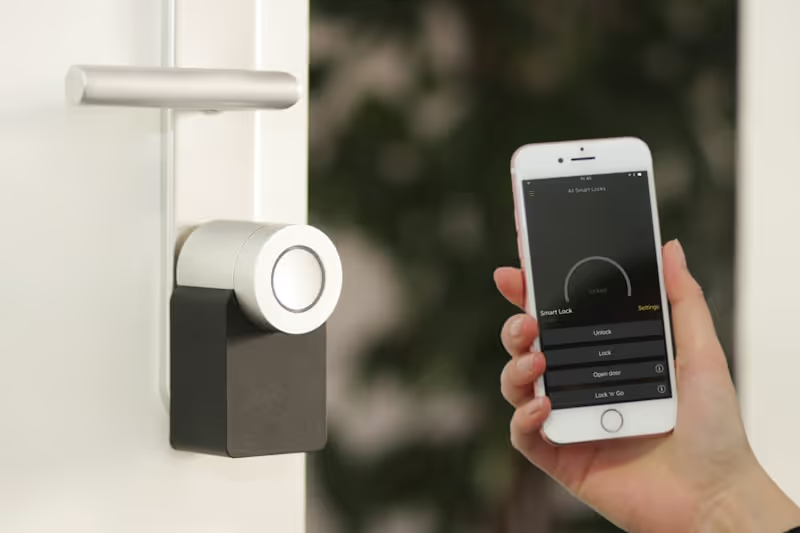
Beyond convenience, smart locks provide a security layer: unique codes per guest, automatic code expiration, and entry logs.
Exterior cameras (disclosed in your listing, as required by law) at entry points deter unauthorized visitors. Never place cameras in private areas.
Standard homeowner's insurance rarely covers short-term rental activity. If a guest is injured on your property or causes damage during a commercial rental, your regular policy may deny the claim entirely. Dedicated short-term rental insurance is essential.
Proper Insurance is the leading dedicated STR insurer. Provides commercial-grade coverage specifically designed for vacation rentals:
Per-stay damage-protection services operate on a per-stay model, charging guests a small protection fee (typically $10-15/stay) that funds up to $10,000-$25,000 in damage coverage and $1 million in liability. This model is attractive because the cost is passed to guests, not the host.
CBIZ Vacation Rental Insurance offers comprehensive annual policies similar to Proper, with strong coverage for property damage, general liability, and loss of income. Particularly well-regarded for multi-property portfolios where bundling saves on premiums.
The best approach combines multiple layers:
This layered approach ensures you're never left exposed, regardless of where the booking originated or how severe the incident.
Your house rules serve a dual purpose: they set expectations and they filter out guests who won't respect your property.
Require guests to explicitly acknowledge your house rules before booking.

An AI co-host can manage steps 1, 3, and 4 automatically.
Guest screening doesn't have to feel adversarial. Done well, it's invisible to good guests and effective against bad ones. The combination of identity verification, smart technology, clear house rules, and automated communication creates a protective layer that lets you host with confidence.
Remember: the goal isn't zero risk (that's impossible in hospitality). It's reducing risk to a manageable level while maintaining a welcoming, professional experience for the vast majority of guests who are exactly what they seem, travelers looking for a great stay.
Automate check-in instructions, house rules delivery, and guest communication with AI.
Get started

Over 25 years of experience in real estate investing and a recognized expert in short-term rental automation. Bassel helps property managers increase revenue, cut operating costs, and deliver 5-star guest experiences using AI-powered tools he built from firsthand hosting experience.