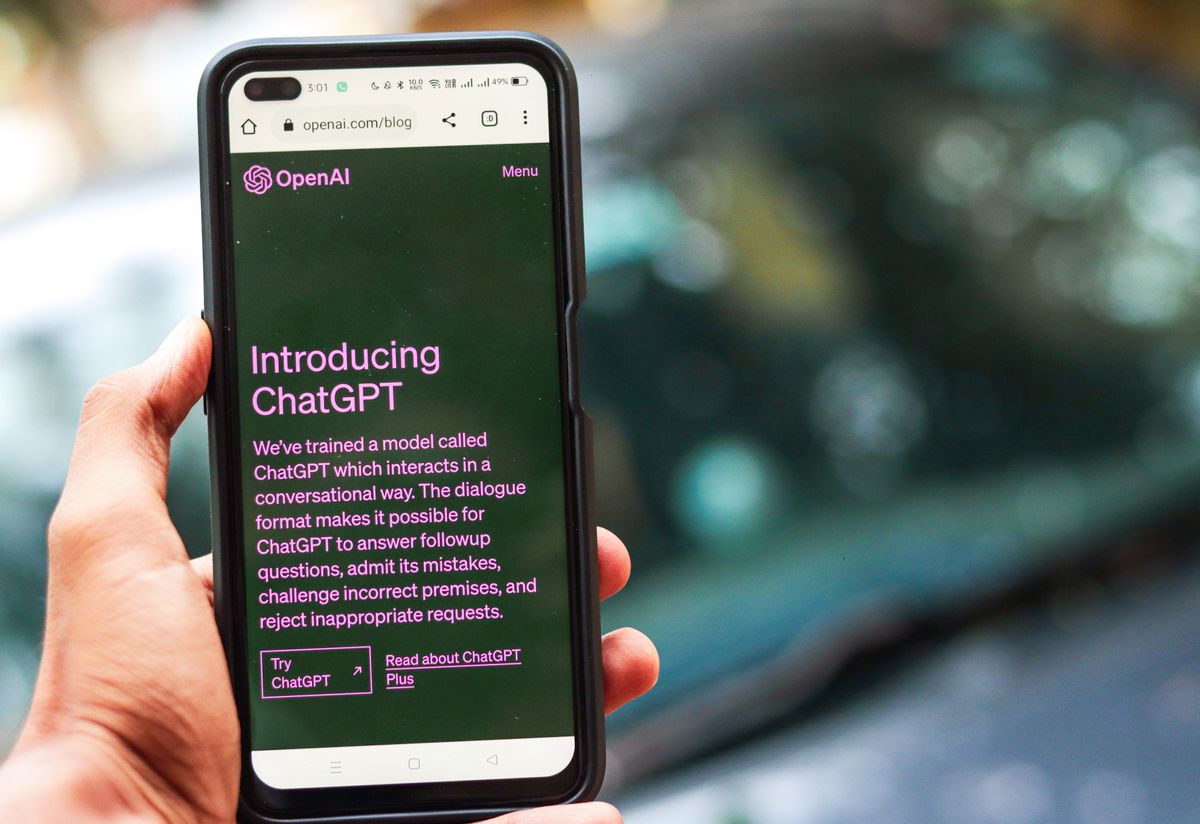
Anthropic released the Model Context Protocol in November 2024 as an open standard for AI assistants to securely access external tools and data, and OpenAI built ChatGPT apps on it in October 2025. Nowistay's MCP server is available as an official ChatGPT app and as a Claude connector. This guide explains what MCP is in plain terms, what natural-language queries you can run on your booking data, how sign-in and permissions work, how to set it up in ChatGPT and Claude, and where the privacy boundaries are.

Sign up free. Add the official Nowistay app in ChatGPT or the Nowistay connector in Claude in a few minutes. Every change is a preview you confirm, guest contact details stay hidden unless you ask, and you can revoke access at any time.
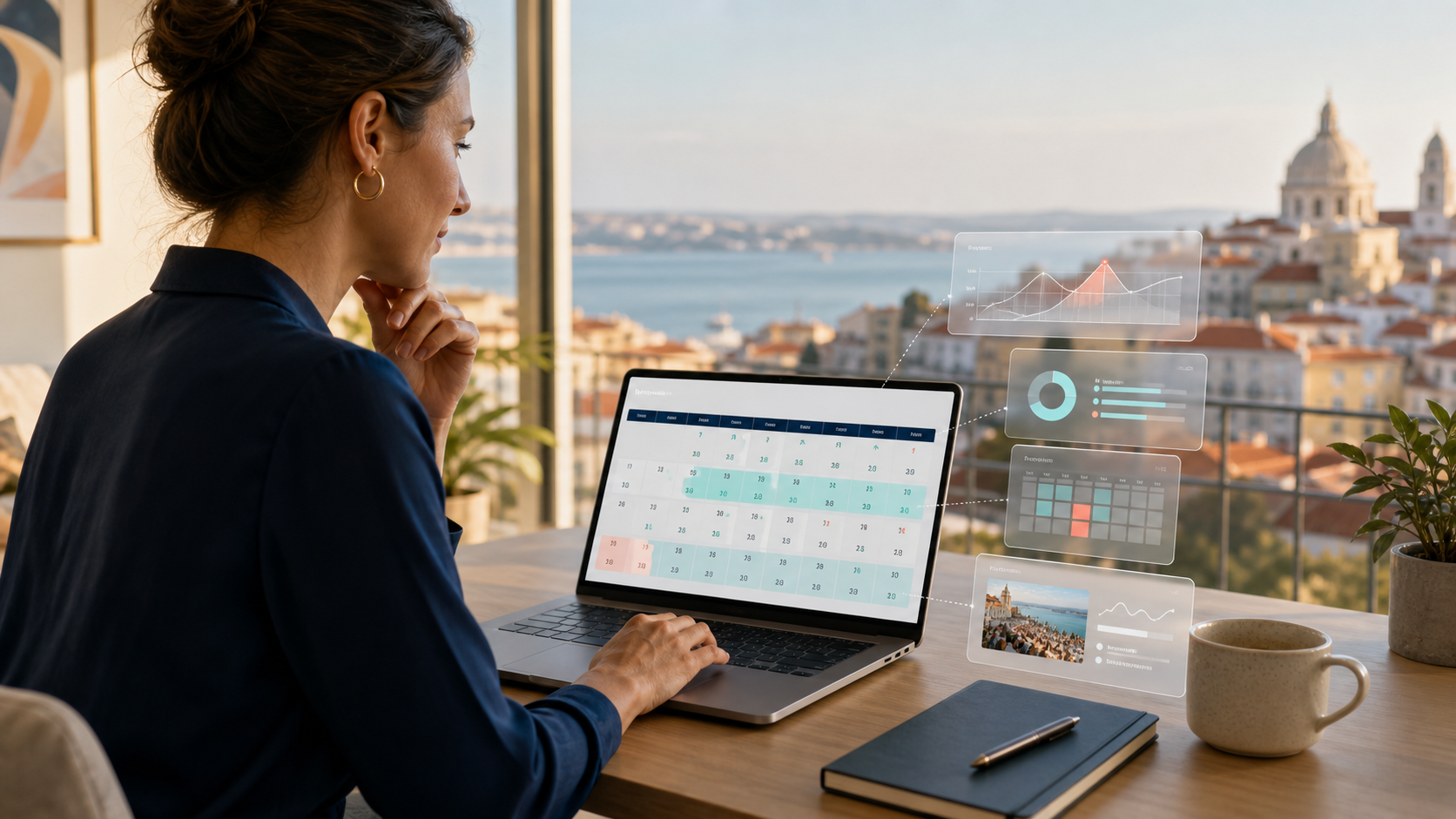
Start free trialAnthropic released the Model Context Protocol (MCP) as an open standard in November 2024. OpenAI adopted it in 2025 and, in October 2025, opened ChatGPT to apps built on it, and within a year MCP became a common way for AI assistants to securely access external tools and data. For vacation rental hosts, this is the moment a question like "what bookings do I have this week and which units need cleaning before Friday ?" stops requiring a dashboard, an inbox, and three browser tabs, and starts working as a single sentence to an AI assistant.
Nowistay's MCP server is available as an official ChatGPT app and as a Claude connector. This guide explains what MCP is in plain terms, what you can actually do with it once it's connected, how to set it up in ChatGPT and Claude, and where the boundaries are around privacy, authentication, and which actions an AI assistant can take on your behalf. If you host on Airbnb, our guide to Airbnb MCP for hosts explains what the Airbnb MCP servers found online can and cannot do.
MCP is an open protocol (created by Anthropic and adopted by OpenAI and many other AI tools) that lets AI assistants connect to external services in a structured, authenticated way. Before MCP, hooking ChatGPT or Claude up to your booking platform required custom plugins per platform, with different specs, auth flows, and capabilities. After MCP, any service that exposes an MCP server can be added to any MCP-capable AI assistant with a standard OAuth handshake. The AI assistant gets a defined set of tools (functions it can call) and resources (data it can read), under your account, with the permissions you grant.
For vacation rental platforms, MCP means a host can ask their AI assistant of choice natural-language questions about their portfolio and get real answers from live data, without leaving the chat. No dashboard, no inbox switching, no copy-paste of booking IDs into a search bar.
The MCP server exposes a curated set of tools and resources. Examples of natural-language queries hosts use most often:
The tools available depend on the permissions you approve when you connect. Changes (sending a guest message, updating rates, creating a mission or a direct booking) are never applied directly: the assistant stages a preview, and nothing happens unless you confirm it within 10 minutes. Reservations received from Airbnb, Booking.com and the other platforms stay read-only.
When you connect Nowistay to ChatGPT or Claude via MCP, the flow looks like this:
The auth flow is identical to how you connect any other service (Google Drive, Slack, GitHub) to an AI assistant. The security model is the same, with the OAuth provider (Nowistay) holding the credentials and issuing scoped tokens.
The connection covers properties on the full Nowistay plan that are connected to Nowistay's channel manager. In the Nowistay app, the Claude & ChatGPT (MCP) card on the Integrations page shows the server URL and the setup steps.
No developer mode or custom connector is needed. Plugins and the actions available depend on your ChatGPT plan, and menu labels can vary slightly between versions.
On a Team or Enterprise plan, an owner adds the connector first, then each member clicks Connect. In Claude Code, run claude mcp add --transport http nowistay https://api.nowistay.com/mcp in your terminal, type /mcp, then authenticate.
Any assistant that supports MCP over HTTP with OAuth sign-in can use the same server URL: open its MCP or connector settings, add https://api.nowistay.com/mcp, choose OAuth, then sign in to Nowistay and approve access.
Without an MCP server, hosts who want this kind of access cobble together one of these:
Nowistay's MCP server exposes tools covering properties, calendars and rates, bookings, guests, missions and mission reports, guest conversations, welcome guides and the AI co-host's knowledge base. Write actions (send a guest message, update rates or stay rules, create a mission or a direct booking) need write permissions that the host approves at sign-in, and each one is staged as a preview that the host must confirm within 10 minutes. Reservations received from Airbnb, Booking.com and the other platforms stay read-only. Each tool checks its permission scope, the assistant only sees eligible properties on the signed-in account, and an audit log records every MCP call. The server is hosted at a stable URL (https://api.nowistay.com/mcp) and updated with the rest of the platform. Hosts can revoke access at any time by disconnecting Nowistay in their assistant.
For the first week, ask only questions you can check against the dashboard, such as today's arrivals or the conversations waiting for a reply. Once the answers match, try a single change, a cleaning mission for example, and read the preview closely before confirming it within the 10-minute window. If you manage properties for several owners, check beforehand that the account you sign in with covers only the properties the assistant should see.
A few practical points hosts should know:
A few patterns hosts adopt within the first month of connecting an MCP server:
A few capabilities still belong on the Nowistay web app or mobile app:
MCP is best at queries, summaries, and structured data work. The dashboard is best at multi-step configuration and visual review. Hosts use both, depending on the task.
From there, the workflow is open. The hosts who get the most value are typically those who use AI assistants regularly for other tasks (writing, analysis, planning) and who appreciate the friction reduction of having their portfolio data available in the same conversation.
To connect your AI assistant to Nowistay and try your first use cases, see the practical documentation: How to connect ChatGPT or Claude to Nowistay (MCP) ; What you can do with the Nowistay chatGPT and Claude integration (MCP): practical examples.
Sign up free. Replace dashboard hunts with single-sentence questions: 'what bookings do I have this week', 'which units need cleaning before Friday', 'summarize the messages I received overnight'. EUR 12 (USD 15) per property per month after the free first month.
Try Nowistay free

Over 25 years of experience in real estate investing and a recognized expert in short-term rental automation. Bassel helps property managers increase revenue, cut operating costs, and deliver 5-star guest experiences using AI-powered tools he built from firsthand hosting experience.