A 50-booking-per-month operation sends 250-300 outbound messages monthly across confirmation, pre-arrival, check-in code, during-stay, check-out, and review request stages. This guide covers what each message should contain, the standard tools (Airbnb scheduled messages, Booking.com auto-replies, native PMS automations), and what good multi-channel multi-language automation looks like end to end.
Sign up free. Nowistay's AI generates starter templates from your property knowledge base, with dynamic variables for smart-lock codes, WiFi, and welcome guide URLs. Multi-language auto-translation included.
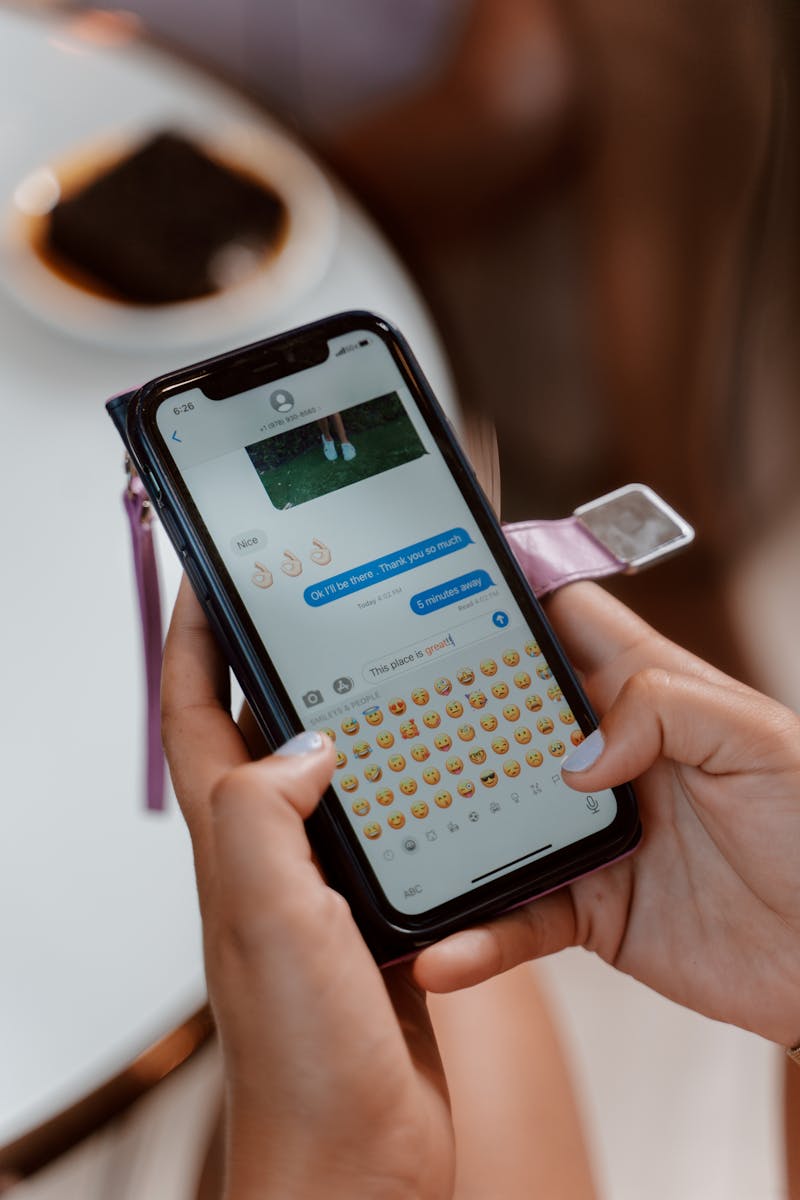
Start free trialA typical booking touches the guest five to six times: confirmation when the reservation lands, pre-arrival directions a few days out, the check-in instructions on the morning of arrival, a mid-stay tip or two if it's a longer stay, the review request a day after departure. A host doing 50 bookings a month who writes each of those by hand is composing 250 to 300 messages in their off-hours. The math gets worse with multiple languages and worse still when you factor in the messages the host forgets to send and the bookings that quietly underperform on reviews because the touchpoints weren't hit.
Message automation isn't a luxury at this scale, it's the only way the schedule survives. The good news is the patterns are stable: the same five or six touchpoints, the same dynamic fields (guest name, lock code, WiFi password, welcome guide link), the same timing offsets relative to booking dates. Every modern PMS offers some version of this. The depth of the features and the reliability of delivery vary widely, and the difference between a working automation and a broken one is the difference between a 4.6 and a 4.9 review average. This guide walks through the messages every booking actually needs, the tools available, and where the gap typically lives.
A 2023 guest-communication study (2,024 vacation rental guests) put the satisfaction sweet spot at 3 to 5 host-to-guest messages per stay. Most of those messages can, and should, be automated. The platform-level scale is now well documented: one major hosting platform reports 25 million messages automated in 2024 alone, saving 4.7 million host hours across 22 million guests in 191 countries, with its AI suggestion feature growing 45% in H1 2025 and roughly 60% of AI-drafted replies being sent without human edits.
The standard set of automated messages every booking needs:
Some operations add more (a thank-you a few hours after arrival, a mid-stay restock offer, a post-stay direct booking discount), but the six above cover the essential lifecycle.
Three reasons that show up consistently in host forums and industry data:
At 50 bookings a month and 5-6 messages each, you are sending 250-300 messages. At 100 bookings a month, it is 500-600. A 2024 industry AI report (500 property managers) found that 35% save the equivalent of four extra workdays a year through AI tools, and the share rises to 47% among managers with 26+ properties. Most of the saved time is messaging.
Manual messages drift. The first 50 bookings get a polished welcome message; the 200th gets a hasty one. Guests notice. The same 2023 study found that 69% of guests said host communication most influenced their likelihood to leave a positive review: yet two-thirds receive only one or two host messages or none at all. Automation closes that gap by sending the right message every time, regardless of how busy the host is.
A check-in code sent at 11 AM on the wrong day is a problem. A review request sent 6 hours after check-out lands when the guest is still tired; the same message sent 36 hours later lands when the experience is fresh and the rating tends to be higher. Automation handles the timing precisely. Revinate's 2024 hospitality email benchmarks show automated triggered campaigns get a 45.4% open rate versus 40.1% for manual newsletters: timing and trigger relevance lift attention.
Airbnb has a built-in scheduled-messages feature accessible through the host dashboard. You can configure messages keyed to events (booking confirmed, check-in, check-out) with offsets. Variables include guest name, check-in date, and a few others. Limitations: Airbnb-only, no dynamic variables for smart-lock codes or WiFi, no auto-translation, and the editor is fiddly.
Booking.com's extranet has a similar feature with automated replies and pre-arrival messages. Less flexible than Airbnb's, fewer variables, but it works for the most common cases.
Modern full property management systems all include guest message automation. The feature set varies but typically includes: triggers (booking created, check-in day, check-out day, custom date offsets), dynamic variables (guest name, address, WiFi, smart-lock code, welcome guide link), multi-channel delivery (replies in the guest's original channel, Airbnb, Booking.com, WhatsApp, email), template libraries to start from. The biggest differences between products: depth of dynamic variables, quality of auto-translation, and whether the AI can generate templates from your property knowledge base.
Several of today's full PMS started life as standalone messaging schedulers before broadening into complete platforms. Some independent hosts still use Mailchimp or Klaviyo for post-stay email sequences (review request, win-back offer), separate from their booking-channel messaging.
A Google Calendar with reminders 2 days before each check-in, then sending the message manually. Works for 1-3 properties. Breaks at scale because the host becomes the bottleneck.
Many tools handle Airbnb well but not Booking.com or VRBO consistently. Guests on Booking.com get a confirmation but not a pre-arrival or review request. The metric (response rate, review volume) drops on the under-served channel.
Airbnb supports 60+ languages site-wide and Airbnb's Q4 2023 shareholder letter cited a 49% year-over-year rise in cross-border bookings, meaning a non-trivial share of your guest base is reading in a language you may not speak. Templates written in English go to French and Spanish guests as-is, or get hand-translated by the host. Both options are bad. Auto-translation that preserves dynamic variables and tone is the right answer; few tools do it well.
A welcome message that says "Hi {guest_name}, your check-in code is {smart_lock_code} and the WiFi is {wifi_password}, find the welcome guide at {welcome_guide_url}" is far better than a generic message. Many tools offer some variables; the gap is usually integration with smart locks (so the code is actually fetched per booking) and the welcome guide URL.
A pre-arrival message scheduled "2 days before check-in" should fire 2 days before the negotiated check-in time, not the original. If a guest moved their check-in earlier or later, does the automation pick up the new time? Most basic tools don't.
A blank template editor is intimidating. The best tools either provide a strong starter library or use AI to generate first drafts from your property knowledge base. The host fine-tunes rather than writing from scratch.
A reliable target combines these properties:
More messages does not mean better service. A confirmation, pre-arrival, check-in code, mid-stay tip, check-out, and review request are enough. Adding a "good morning" daily message annoys guests and dilutes the important ones.
A welcome message that says "Welcome to our property!" feels mass-produced. Use the property name, neighborhood, and a specific local recommendation. Variables make this scalable.
A check-in code sent the day before arrival is fine; sent at 5 AM the day of, it wakes guests in earlier timezones. Use the property's local timezone and time-of-day offsets that respect a guest's likely waking hours.
If the WiFi password changes, the welcome guide URL changes, or the lock provider changes, every template that references those variables needs the new value. Templates that pull from a single property knowledge base auto-update; templates with hard-coded values do not.
Nowistay's guest message automation covers all seven "good" properties out of the box. You configure triggers (booking created, check-in day at 9 AM local, daily at a specific time during stay, check-out day, X hours after checkout) with offsets in minutes, hours, or days. Templates use dynamic variables for guest name, addresses, the live smart-lock code from your Nuki/igloohome/TTLock/Tedee/HomeIt integration, WiFi, welcome guide URL, host name, and property name. Messages reply on the guest's original channel, Airbnb, Booking.com, VRBO, or WhatsApp, and auto-translate into 90+ languages while preserving variables and tone. The AI generates starter templates from your property knowledge base so you fine-tune rather than write from scratch. Negotiated check-in and check-out times update offsets automatically. Setup for the standard six-message lifecycle takes around 30 minutes per property the first time, then propagates to subsequent properties via templates.
Whether you build this through Nowistay, a combination of a full PMS plus an email marketing tool, or by writing scheduled messages directly in Airbnb and Booking.com extranets, the criteria above are the test for any setup.
To move from message templates to sending them through Nowistay, follow the setup instructions: How to set up automated guest (& team) messages.
If you want a full lifecycle live by the end of an afternoon, follow this order:
After that, every booking flows through the lifecycle automatically. The host's role shifts from "send the right message at the right time" to "make sure the templates stay current."
Sign up free. Dynamic variables fill in guest name, lock code, WiFi, and welcome guide link automatically. Replies go on the guest's original channel, Airbnb, Booking.com, WhatsApp, email.
Try Nowistay free

Over 25 years of experience in real estate investing and a recognized expert in short-term rental automation. Bassel helps property managers increase revenue, cut operating costs, and deliver 5-star guest experiences using AI-powered tools he built from firsthand hosting experience.