IA & Automatisation

Airbnb's AI Search Is Here: How to Optimize Your Listing After the 2026 Fall Update

Since its fall update of 30 September 2026, Airbnb lets guests search in their own words, shows AI-written descriptions in search results and compares saved homes with AI summaries, starting in the US. This guide sums up what Airbnb actually launched and what it says it ranks on, then shows how to make your listing easy for its AI to read, with a 15-minute checklist and the mistakes to avoid.

Guest typing on a laptop open on the Airbnb homepage, the starting point of an AI-assisted search

Audit your Airbnb listing with AI

Sign up free. Nowistay's listing audit checks your title, description, amenities and up to 12 photos, flags facts that contradict your property details and suggests titles under 50 characters. From €12 / $15 per property per month, first month free.

Start free

Airbnb now puts AI between your listing and the guest. With its fall update of 30 September 2026, rolling out from the US, guests can search in their own words or by voice, read AI-written descriptions of each home in search results, and compare the homes saved to their wishlist side by side with AI summaries. Airbnb's AI also condenses reviews into highlights. To optimize for it, complete every amenity and listing field, caption your photos accurately, answer guests' real questions in your description and fix what reviews keep mentioning: the AI can only repeat what your listing and your guests say.

Airbnb has not published how its AI reads a listing, but what it has published is enough to know what to fix. This guide sums up the official facts, then gives a 15-minute checklist.

What did Airbnb launch for search and listings in 2026?

Three announcements matter for hosts:

  • Summer 2026 Release, 20 May 2026. AI review highlights: Airbnb's models synthesize the reviews of each listing and highlight what guests care about most. The release also announced an AI comparison of saved homes for later in the year.
  • Q2 2026 results, 6 August 2026. Airbnb said its AI models now generate highlights from host listing descriptions and guest reviews, on topics such as location, amenities or whether a home is family friendly.
  • Fall update, 30 September 2026. Starting in the US: a new search bar to search homes, experiences and services in your own words or by voice; keywords typed inside filters (typing "baby" surfaces filters such as cribs, playgrounds or children's books and toys); AI-powered descriptions in search results that highlight a home's key features; and a side-by-side comparison of wishlist homes with AI summaries of their key features. Source: Airbnb 2026 fall update.

Airbnb's help page on the AI search mode says it works in English, in a desktop web browser, for guests who have access to it. Two more claims circulate without an official description: trade press (Rental Scale-Up, July 2026) has reported an AI that answers guests' questions from listing data, and hosts on Airbnb's Community Center report that some search results show an AI-written headline instead of their own title. Treat both as reported, not confirmed.

For hosts, the update announced tools for this autumn, including dynamic pricing and AI summaries of your performance in the earnings dashboard. Airbnb's Resource Center says those insights suggest actions such as turning on Instant Book or adding missing amenities, and that a 15% discount for guests rated 4.8 stars or above with at least 3 reviews helps you show up in more searches.

Does AI search change how Airbnb ranks listings?

Not according to anything Airbnb has published. Its help article How search results work still lists the same factors:

  • Quality: photos and videos, guest reviews, host-guest communication and amenities.
  • Popularity: wishlist saves, bookings and messages to hosts.
  • Price: your total price compared with similar listings nearby for the same dates.
  • Location and guest preferences: where guests like to stay, their dates, number of guests and pets. Listings that can be booked instantly may also rank higher.

What changes is what a guest reads before clicking. An AI description, a summary of your reviews and a comparison with the other homes in their wishlist now do part of the selling, using what your listing states and what guests wrote. A missing amenity is a filter you don't match, a vague description gives the summary nothing to say, and a recurring complaint ends up in the review highlights. The other ranking levers (response time, calendar, pricing) are covered in our guide on how to rank higher on Airbnb.

How do you make your listing readable by AI search?

Fill in every structured field and amenity

Amenity filters work from the amenities you tick, not from the adjectives in your description. When a guest types "baby" and Airbnb suggests a crib filter, a home that mentions its crib in the text but never ticked it is likely to be left out. Airbnb's Resource Center lists the amenities guests searched most in 2025: pool, free parking, wifi, air conditioning or heating, kitchen, hot tub, washer or dryer, self check-in, TV and BBQ grill.

  • Tick every amenity you really offer, and untick anything broken or out of season.
  • Check the listing facts: property type, number of guests, bedrooms, beds, bathrooms.
  • In the photo tour, add details to each room: sleeping arrangements, amenities and accessibility features.
  • Make the same facts match on every channel you use, so guests never read two versions of your home.

Make your photos say what they show

Airbnb's AI already reads your photos: new photos are sorted into rooms automatically in the photo tour. Check that each room has at least one photo and that each photo sits in the right room.
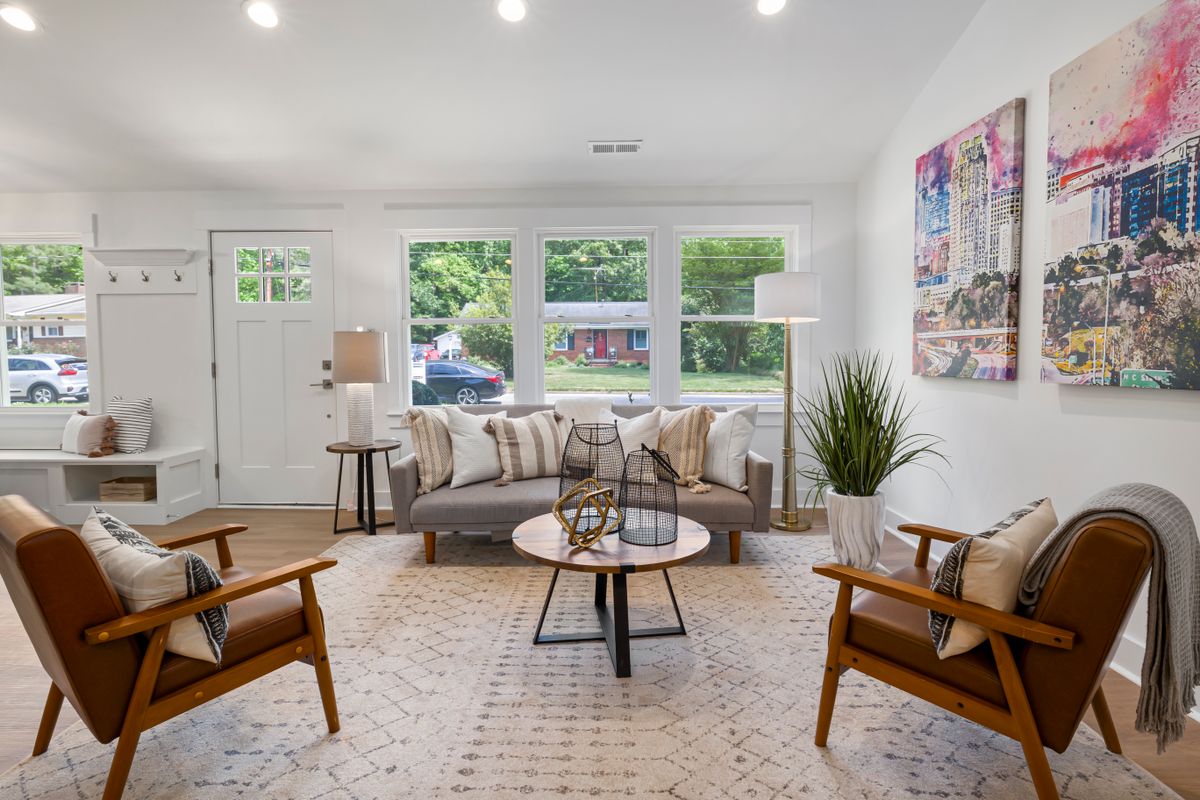
  • Put your strongest images first. Airbnb displays the first five photos prominently on your listing, and the cover is the picture guests see in search. Use images of at least 1024 x 683 pixels.
  • Write captions that add what the photo can't show: "Dining table extends to seat 10", "Espresso machine and dishwasher", "Desk by the window with fibre wifi".
  • Add visual descriptions. Airbnb lets you describe each photo in fewer than 250 characters. Describe what is in the picture, not the mood. Airbnb says these descriptions help guests who use screen readers and give search engines context.
  • Show what guests actually get. A sea view from a rooftop guests can't access, or a pool shared with the whole residence, has to be said plainly.
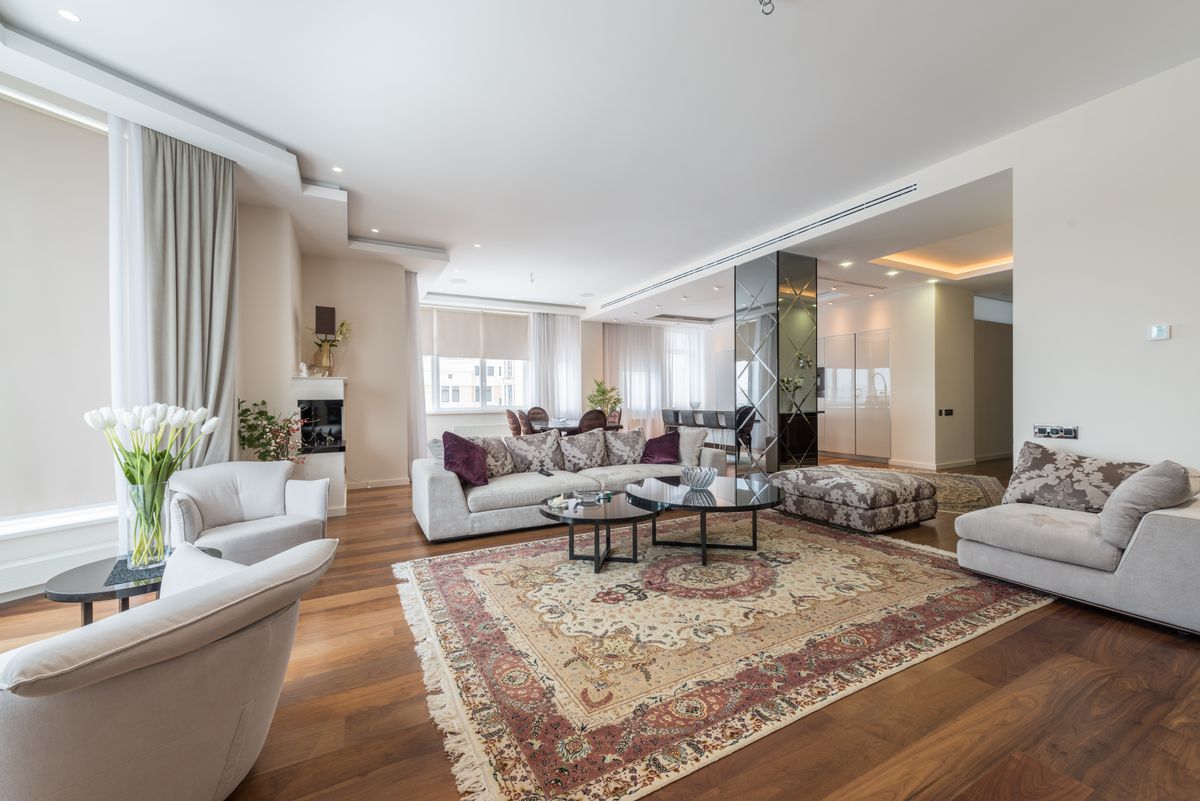
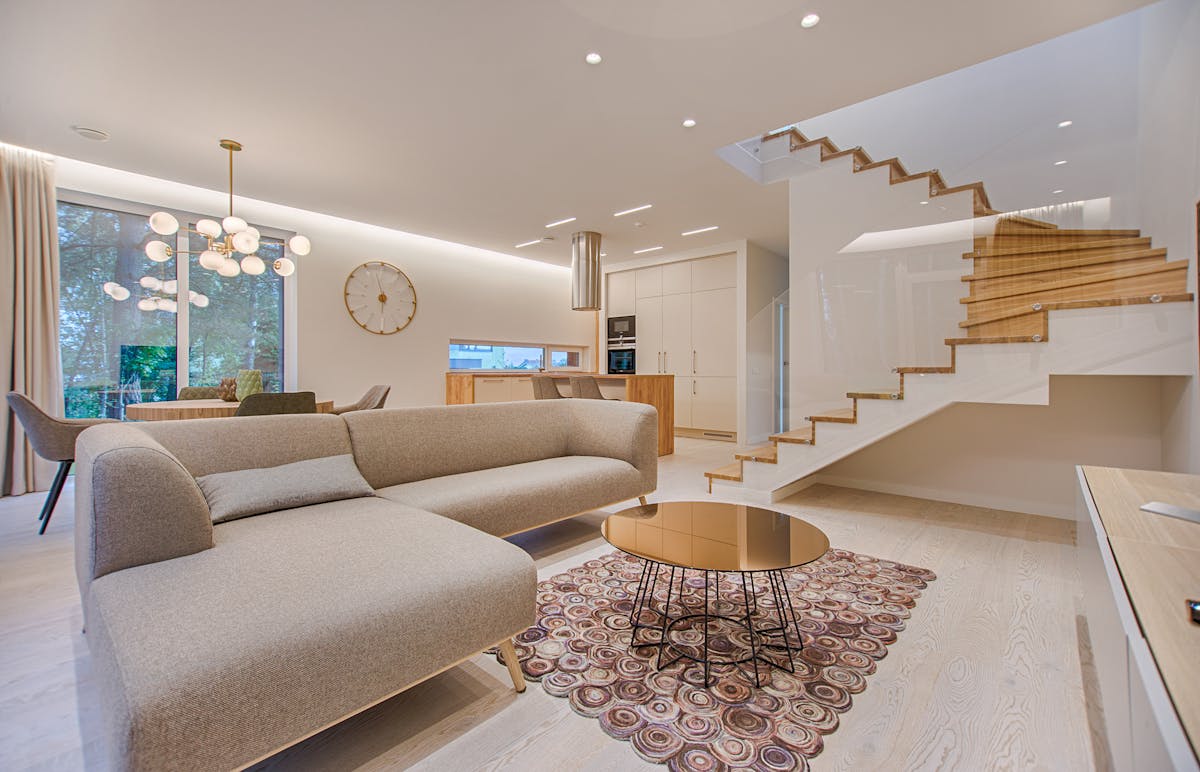
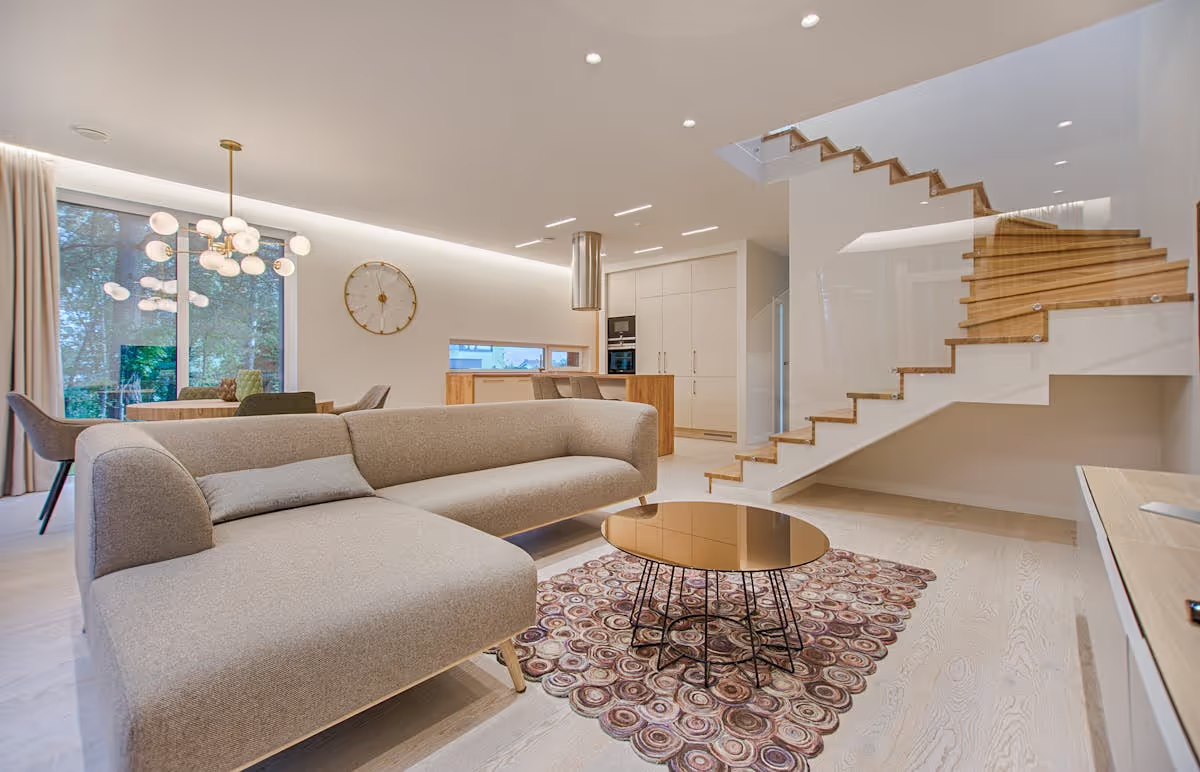
Bright living room with a grey sofa, two leather armchairs and large windows, photographed wide for a rental listing
A wide, well-lit shot, plus a caption for what the photo can't show.

For shooting, ordering and editing photos, see Airbnb photos: AI to optimize your listings.

Write a description that answers the questions guests ask

Your inbox is the best keyword research you have. The questions guests send before booking are the ones an AI summary should be able to answer from your listing.

  • Open with who the home suits and what sets it apart, in one or two sentences: "Two-bedroom flat for a family of four, 5 minutes' walk from the beach, with a fenced garden."
  • Answer the questions you get most: parking, stairs or lift, bed sizes, distance to transport in minutes, workspace and wifi, air conditioning, noise at night.
  • Use facts, not adjectives: "7 minutes' walk to the tram" says more than "close to everything".
  • Say who the home doesn't suit: steep stairs, a busy street, no lift. It costs you fewer bookings than it saves you in reviews.
  • Keep the title under 50 characters. Airbnb's title guidelines ask for fewer than 50 characters with the most important information first, because longer titles are shortened in search results. No emojis, no repeated symbols.

Fill in house rules and check-in details

Pets, children, events, quiet hours, check-in window, check-out time, self check-in method, stairs and other safety notes are things guests filter on or ask about. Put them in the dedicated fields rather than burying them in the description, and make them match what you write in messages. Airbnb's own reviews insights give two examples: if guests say the kitchen didn't match the photos, update the photos; if they struggle to get in, update the check-in instructions. Accurate expectations are also your best protection against bad reviews, as explained in Setting accurate expectations.

Treat reviews and your replies as listing content

Review highlights read all your reviews at once. A single complaint gets lost; one that comes back in five reviews becomes part of how Airbnb describes your home. Fix recurring issues at the source, reply to reviews factually, and say what you changed: future guests read your replies. Our guide on responding to bad Airbnb reviews has examples.

The 15-minute checklist

  1. Minutes 0 to 3, amenities. Open your amenity list and compare it with the house. Tick what's missing, untick what isn't there.
  2. Minutes 3 to 5, facts. Check guests, bedrooms, beds and bathrooms against reality and against your other channels.
  3. Minutes 5 to 8, photos. Choose the cover, check the first five, make sure every room has a photo, and caption the key shots.
  4. Minutes 8 to 11, description. Rewrite the first two sentences and add answers to your three most frequent guest questions.
  5. Minutes 11 to 13, title. Under 50 characters, main differentiator first.
  6. Minutes 13 to 15, rules and reviews. Complete house rules and check-in details, and reply to any recent review you left unanswered.

Then read your listing as a guest, on your phone. If something you would ask isn't answered on the page, add it.

What should you avoid?

  • Keyword stuffing. Strings of place names or "luxury cozy modern" in the title or description don't help a summary and look like spam to guests. Airbnb has not published any keyword list for its AI.
  • Claims your photos don't show. If the summary repeats "sea view" and the photos show a car park, the guest notices in the comparison, and the disappointment ends up in your reviews, then in your review highlights.
  • Contradictions between fields. Six guests in the description and four in the capacity, free parking in the text but not in the amenities: the AI has to pick one, and so does the guest.
  • AI-written text you didn't check. Writing tools are useful, but any feature they invent becomes a promise to the guest.

How Nowistay helps you keep your listing accurate

Nowistay is a PMS and channel manager with an autonomous AI co-host built in. Since September 2026 it includes property analyses that run the checks above for you:

  • Audit Airbnb listing reads your title, description, amenities, listing facts and up to 12 photos the way a demanding guest would. You get prioritized improvements, three alternative titles under 50 characters without emojis, and a rewritten description built from facts already in your listing, never invented ones. It also flags facts where your listing and your Nowistay property details disagree, such as capacity, beds or an amenity. Nothing changes on Airbnb until you paste the suggestions yourself. See how to audit your Airbnb listing with AI.
  • Analyze Airbnb reviews reads up to your 200 most recent reviews and returns what guests appreciate, the recurring problems with short quotes and dates, an action plan, and title ideas and description lines based on what guests praise.
  • Score & Reviews shows your overall and per-category scores out of 10 and your recent reviews, with a Reply button to answer guests publicly.

The same facts then work for your guests. The AI co-host answers on Airbnb, Booking.com, Expedia, WhatsApp and email, 24/7 and in 90+ languages, using your listing, your digital welcome guide and a private knowledge base of questions and answers that suggests new entries learned from your own replies, for you to approve (see what the AI co-host knows). The welcome guide can be generated from your Airbnb listing link in under a minute. Each question the co-host has to pass to you is also a gap to fill in your listing: how to train your AI co-host explains the method.

The analyses come with the full subscription, from €12 ($15) per property per month, first month free with no credit card.

One set of facts for Airbnb and for your guests

Sign up free. The details you clean up for Airbnb also feed your welcome guide and the autonomous AI co-host, which answers guests on Airbnb, Booking.com, Expedia, WhatsApp and email in 90+ languages.

Try Nowistay free

Bassel Abedi

Fondateur & CEO de Nowistay

Plus de 25 ans d'expérience en investissement immobilier et expert reconnu en automatisation de la location courte durée. Bassel aide les gestionnaires de biens à augmenter leurs revenus, réduire leurs coûts opérationnels et offrir une expérience voyageur 5 étoiles grâce aux outils IA qu'il a conçus à partir de son propre vécu d'hôte.