Wi-Fi is the single most-mentioned amenity in vacation rental reviews and the deciding factor for remote workers and longer stays. This guide surveys the hardware and process that keep guests online, defines what reliable connectivity actually looks like, and shows how to deliver network details and troubleshooting before a complaint ever turns into a one-star review.

Sign up free. Put your Wi-Fi name and password in a branded welcome guide and the automated arrival message, and let the autonomous AI co-host answer routine connectivity questions in about a minute, 24/7, in 90+ languages on Airbnb, Booking.com, Expedia, WhatsApp, and email. A real outage is sorted as an incident and routed to the right person with a timestamp. EUR 12 (USD 15) per property per month after the free first month.
Start free trialA guest checks in on a Sunday evening, drops their bag, and tries to join a video call they scheduled for the next morning. The network name on the fridge magnet does not match the one their phone sees. The password has a zero that might be the letter O. Twenty minutes later they are standing in the kitchen holding their laptop in the air, and the warm first impression you worked to build is gone. By Tuesday they have found a coffee shop with better signal, and by checkout they are writing the line that future guests will read first: "The Wi-Fi barely worked."
Connectivity is no longer a nice extra. It is the amenity guests check before they book and the one they complain about most when it fails. Remote workers, families streaming at night, and anyone staying longer than a weekend treat a fast, stable connection the same way they treat hot water. One outage, one dead zone in the back bedroom, or one password they cannot find is enough to drag an otherwise strong stay down a star or two. The frustrating part is that almost every Wi-Fi complaint is preventable with the right hardware and a simple process, and most hosts only discover the gap after the review is already public.
Wi-Fi sits at the intersection of two things guests care about: it is a basic expectation, and it is a single point of failure. When it works, nobody mentions it. When it does not, it becomes the headline of the review and the reason a guest never rebooks. Listing platforms surface amenity filters, and a property marked with reliable internet draws a different, often more valuable, traveler: the person booking a two-week workation, the family that needs to keep kids occupied on a rainy afternoon, the couple who will not consider a place where one of them cannot take a call.
The cost of getting this wrong compounds. A single one-star review tied to internet can sit at the top of your listing for months and quietly suppress your conversion rate. Worse, connectivity problems generate the most stressful kind of guest message: the urgent, mid-stay "nothing works" complaint that arrives at 9pm and demands an answer you may not have. Refunds, partial refunds, and goodwill gestures pile up. For a longer stay, an unreliable connection can trigger a cancellation request that costs you the entire booking. The math is simple. Solid connectivity is cheap relative to one lost month of revenue or a review that drags down every booking after it.
For reference, the FCC's Broadband Speed Guide lists the minimum speeds each online activity actually needs.
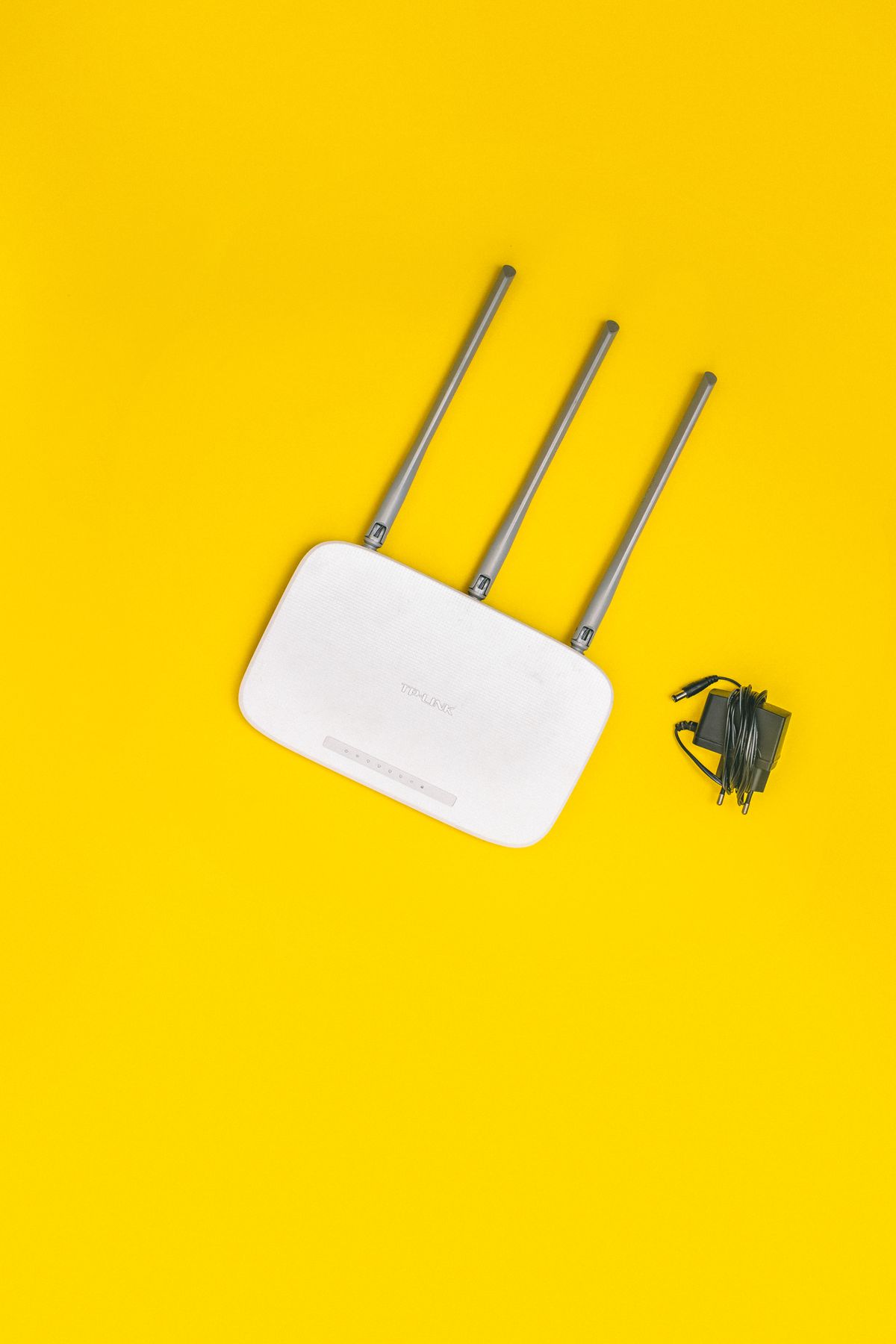
Reliable Wi-Fi is a stack of small decisions, each of which closes off a common failure mode. Most experienced hosts assemble some combination of the following.
Hardware alone does not guarantee a good experience. The properties that never get a Wi-Fi complaint tend to meet five criteria, regardless of which specific products they bought.
Notice that only the first two criteria are about equipment. The other three are about communication and process, which is where most properties quietly fail even when the hardware is fine.
Nowistay does not manage or monitor your router, and it will not tell you when your line drops. The hardware, the failover, and the speed are yours to get right. What Nowistay handles is everything around the connection: making sure the guest has the details before they need them, answering the routine problems in about a minute, and turning a real outage into a tracked task instead of a panicked message.
The network name and password live in your branded digital welcome guide, built per property, and they also go out in the automated arrival message. So the guest receives the credentials as part of checking in, in a place they cannot misplace, which removes the most common Wi-Fi friction before it starts. Because the welcome guide is part of the AI co-host's per-property knowledge, the AI answers from it directly. If a guest asks "what is the Wi-Fi password?" at 11pm, the autonomous AI co-host replies in about a minute, 24/7, in the guest's language, natively on Airbnb, Booking.com, WhatsApp, and email. No host approval is needed, so the answer goes out whether you are awake or not. You can set up that arrival flow on the channels your guests use with WhatsApp guest messaging and automated guest emails.
When the message is not a typo but a real connectivity problem, the co-host does more than reply. It sorts inbound messages by urgency and type, and a genuine connectivity failure is treated as a maintenance incident rather than a routine question. The issue is logged and routed to the right team member, by WhatsApp or email, with a timestamp, and if nobody acts within 30 minutes it escalates to you. That means a guest reporting a dead connection at night does not fall into a black hole. The routine "rejoin the network" questions get answered on their own, and the genuine outages surface to a person who can do something about them.
Search your past reviews and guest messages for "Wi-Fi", "internet" and "password" before you buy any hardware. Requests for the password point to how the details are delivered, complaints about one room point to coverage, and full outages point to the backup path. Fix whichever comes up most, then run the same search a month later to see whether it has dropped.

A fridge magnet or a framed card is the most-lost piece of information in any rental. Guests arrive tired, and a credential they have to search for is a credential that generates a message. Deliver the network details ahead of time and put them somewhere digital that travels with the guest.
Advertising "blazing fast fiber" on a connection that struggles with two simultaneous video calls creates a complaint you cannot win. Post a real speed figure, describe coverage honestly, and let the listing attract guests whose needs you can actually meet.
If your only response to an outage is to drive over and restart the router, you have built a process that fails exactly when guests need you most. A failover router or a remote-reboot smart plug turns a multi-hour crisis into a two-minute fix.
Most connectivity messages are simple and need an instant, low-effort answer. A few are real outages that need a person. A setup that cannot tell the difference either burns you out answering trivia at midnight or leaves a genuine failure unattended for hours. Sorting messages by urgency is what keeps both from happening.
As more travelers work from wherever they sleep, connectivity is quietly becoming the line between a property that books out and one that does not. Guests increasingly filter for it, pay more for it, and punish its absence harder than almost any other shortcoming. The hosts who win this are not the ones with the most expensive routers. They are the ones who pair solid hardware with a process that delivers the details before guests ask, answers the routine problems instantly, and gets a real outage in front of a person fast. Get the connection right, get the communication around it right, and the most common complaint on your listing becomes the one you never see.
Sign up free. When a guest reports a real connectivity problem, Nowistay logs it as a maintenance incident and routes it to the right team member by WhatsApp or email, escalating to you if nobody acts within 30 minutes. Onboard a property in minutes and run the same setup across 1 to 100+ properties.
Try Nowistay free

Over 25 years of experience in real estate investing and a recognized expert in short-term rental automation. Bassel helps property managers increase revenue, cut operating costs, and deliver 5-star guest experiences using AI-powered tools he built from firsthand hosting experience.