Everything related to your Nowistay subscription is on the Payments & Billing page: downloading invoices, updating your payment method, changing the plan of a property and cancelling.
Which billing are you on? Nowistay now bills all your properties together on one monthly subscription, with one invoice and one charge (consolidated billing). Most of this article describes it. If your account still has one subscription per property and has not been migrated yet, go to the last section, Accounts on the previous billing.
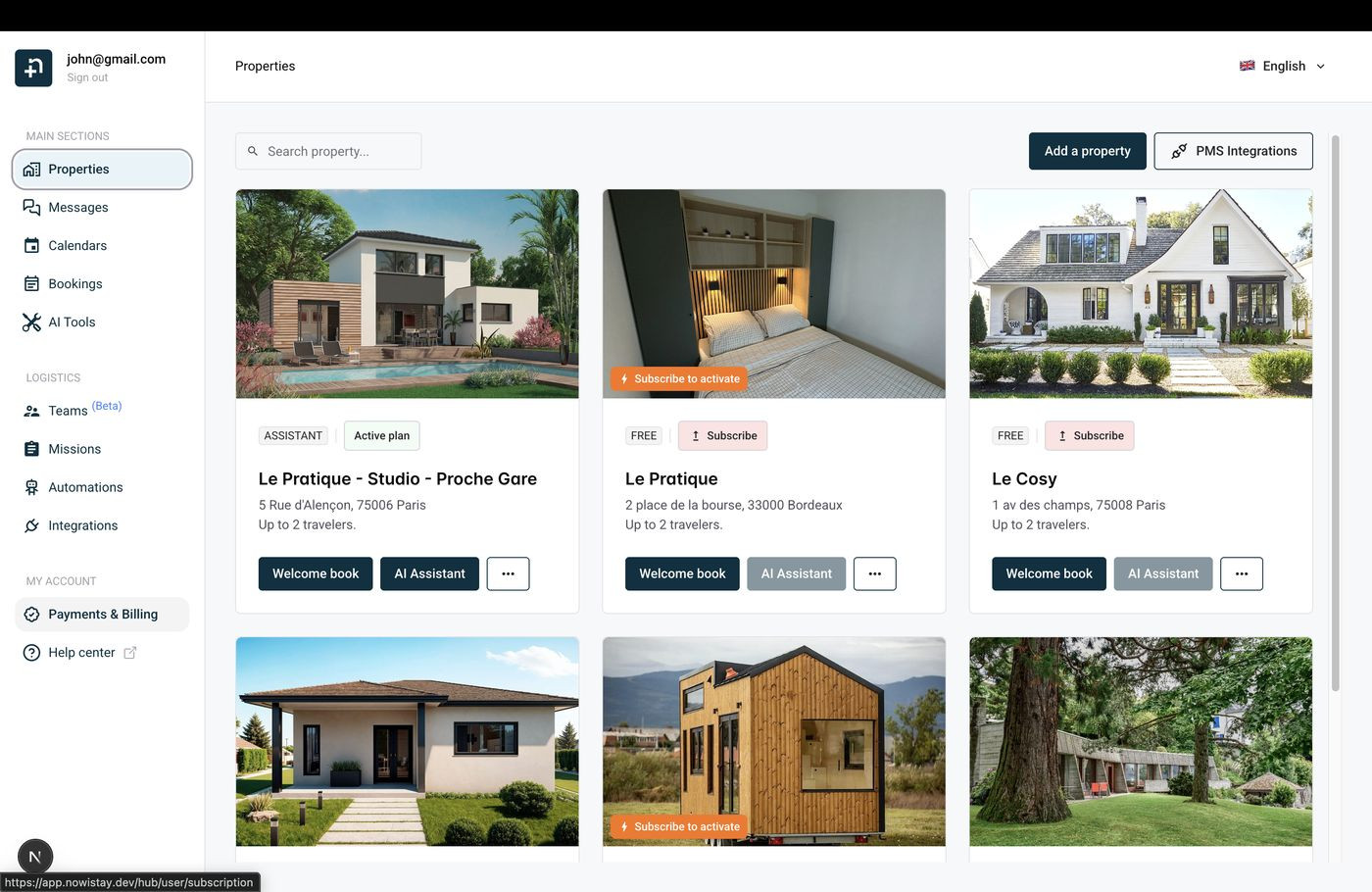
At the top of the page, the Consolidated monthly subscription block gives you an overview:
Click Payment method and invoices at the top of the block. The secure billing portal opens: you can update your card and view or download each of your invoices. With consolidated billing, you receive one monthly invoice covering all your properties.
The Covered properties section lists every subscribed property with its plan (AI Channel Manager or Guide only), the Voice option if enabled, and its status: Active, or Change scheduled followed by the date of the change.
When you lower a plan or choose None, the change takes effect at the next renewal: the property keeps its current plan until then. To subscribe a property that has no plan yet, click Subscribe on its card on the Properties page.
Want to remove a property for good? See How to delete a property.
All your properties keep their paid services until the end of the current billing period, then these services stop. Changed your mind before that date? Click Keep subscription.
To stop a single property only, do not cancel the whole subscription: use Change plan and choose None on that property instead.
If you need your invoices for accounting or tax purposes, the Annual invoice export lets you download all invoice PDFs for a calendar year in a single ZIP file. You will find it in the Billing summary section, below the subscription.
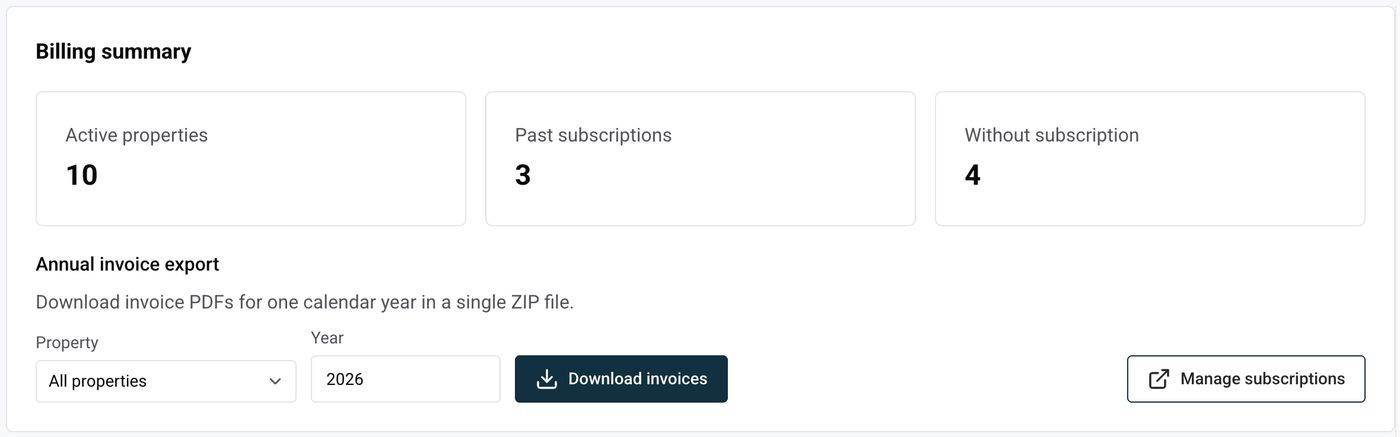
A ZIP file containing one PDF per invoice is downloaded to your computer.
Important: a consolidated invoice covers all your properties at once, so it is only included when All properties is selected. Choosing a single property exports only the invoices of the previous per-property billing.
The Billing summary also shows three numbers: Active properties (properties currently covered by a subscription), Past subscriptions (subscriptions that were cancelled or have expired) and Without subscription (properties with no active subscription).
If a payment fails, a message appears at the top of the page. Click Resolve payment to update your payment method in the secure billing portal and avoid an interruption of service on your properties.
This section only concerns accounts created before consolidated billing that have not been migrated yet. You can recognize them by the blue banner Consolidated billing is now available at the top of the page, and by the absence of the Consolidated monthly subscription block. On these accounts, each property keeps its own subscription and its own invoices.
To switch to consolidated billing (one invoice and one charge for all your properties, with volume discounts applied automatically), click Contact us in the banner or write to hello@nowistay.com.
