WhatsApp has 3.3 billion monthly active users globally (Statista, Jan 2026) and deep penetration in Europe (Spain 91%, Italy/Portugal 90.3%) and Latin America (92%+ in Brazil, Mexico, Argentina). A 2023 guest communication study: 44% of guests prefer mid-stay communication via text. This guide covers the standard tools, personal WhatsApp (breaks at scale), WhatsApp Business app, WhatsApp Business API via Twilio/MessageBird, PMS-native integrations of varying depth, and dedicated guest-messaging platforms, plus the per-channel OTA-vs-WhatsApp strategy.

Sign up free. Nowistay's autonomous AI replies on WhatsApp in seconds, in 90+ languages, with the same property knowledge base as Airbnb. Per-booking threads, lifecycle automation, smart-lock code delivery, all built in.
Start free trialWhatsApp has roughly 2 billion monthly active users worldwide (Meta, 2024). In Europe, Latin America, and most of Asia, it is the default messaging app and guests expect to reach a host on it. Airbnb and Booking.com messaging trail it in adoption everywhere except the US, and the gap between "guest sends a WhatsApp message" and "guest opens the OTA app to send a message" is a 5 to 10x difference in response time on the guest side. Hosts who don't set up a structured WhatsApp channel either miss messages entirely or end up scrambling between WhatsApp Web on their laptop, WhatsApp on their phone, and the OTA inbox, with no shared history.
The challenge with WhatsApp at scale isn't the messaging itself, it's the operational shape. Personal phone numbers don't survive ten properties. Group chats with cleaners turn into a mess of cross-property conversation. The Cloud API is powerful but not plug-and-play. The vendors who have solved WhatsApp for vacation rentals built it around per-booking threads, automated lifecycle messages, and a single business number that all guests reach. This guide walks through what reliable WhatsApp guest communication looks like, the standard setups hosts use today, and the criteria for any system that has to scale past five units.
WhatsApp is the dominant messaging app outside the United States. Statista's January 2026 data puts it at 3.3 billion monthly active users globally, processing 100+ billion messages per day, with Meta reporting that 175+ million people message a business on WhatsApp every day and 50+ million businesses use WhatsApp Business. The penetration map matters for vacation rental hosts:
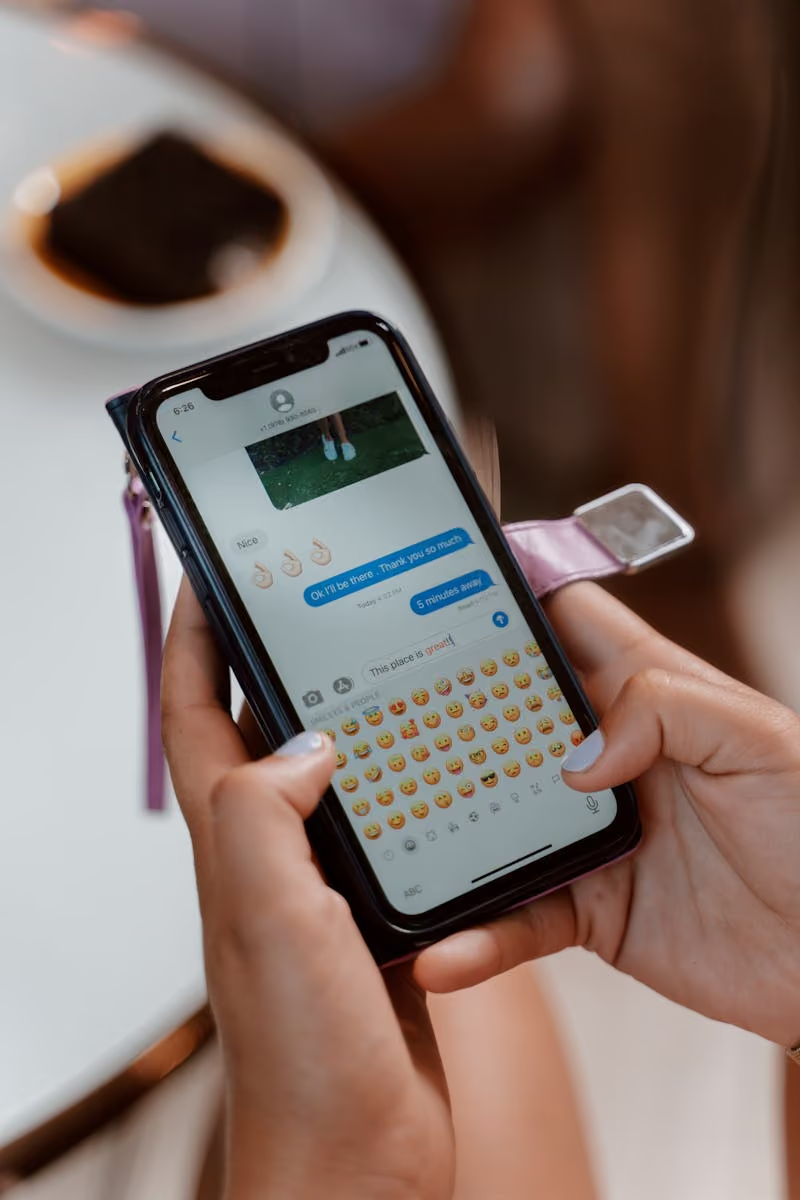
For vacation rental hosts whose guests are heavily international, WhatsApp is often the channel guests prefer, even if they originally booked through Airbnb or Booking.com. A 2023 guest communication study (2,024 vacation rental guests) found that 44% of guests prefer mid-stay communication via text message, and that 69% said host communication most influenced their likelihood to leave a positive review. WhatsApp inherits that preference: it's text-based, accessible offline, and most international guests already have it open.
Three structural advantages:
Airbnb messages live in a notification mixed with marketing emails. WhatsApp messages light up the phone instantly with read receipts visible to both parties. Response speed is materially higher. Industry benchmarks reported by WhatsApp Business and aggregators like Chat Architect put WhatsApp open rates around 98% versus 21-22% for email, and response rates at 40-60% versus 1-5% for email, these are widely cited industry consensus numbers rather than a single primary survey, so treat them as directional, but the order-of-magnitude gap is real.
Airbnb closes the message thread after the stay. WhatsApp persists. A guest who books direct on their next visit can simply scroll up to see the WiFi password, lock code, or local recommendation from the prior stay.
Photos of the broken AC, voice notes for complex directions, location sharing for off-the-beaten-path properties. All work natively on WhatsApp. Limited or unavailable on Airbnb.
Five practical problems that show up at 5+ properties:
The default. Free, easy. Breaks at scale: blur with personal life, no automation, no team handoff, no history per booking.
Available on Android and iOS. Adds a business profile, away messages, quick replies, and labels (so you can tag conversations as Booking-Confirmed, Pre-Arrival, etc.). A meaningful upgrade over personal WhatsApp; still tied to one device, no API, no PMS integration.
For higher volume, the WhatsApp Business API supports multi-agent access, automation, and PMS integration. Cost: typically USD 50-200/month plus per-message fees that depend on the country and message type. Setup is more involved (Meta business verification, template approval) but enables a real workflow.
Several PMS now offer some form of WhatsApp integration, ranging from basic message-forwarding to full inbox unification with the OTA messages. Depth varies widely; check whether the integration uses the WhatsApp Business API (proper) or just a forwarding hack (fragile).
A separate category of guest-experience platforms treats WhatsApp as one channel among many. Strong for the messaging UX; check the depth of automation triggers and the team-handoff flow.
A reliable target combines these properties:
Nowistay treats WhatsApp as a first-class messaging channel alongside Airbnb, Booking.com, VRBO, and Expedia. Each booking gets a per-booking conversation thread tied to the guest record. The autonomous AI co-host responds on WhatsApp the same way it does on Airbnb, replying in seconds, in the guest's language, from the property knowledge base. Lifecycle messages (confirmation, pre-arrival, check-in code via smart-lock integration, during-stay tip, check-out, review request) fire on the same triggers as OTA bookings, with WhatsApp as the delivery channel when the guest has shared their number. Multi-language auto-translation covers 90+ languages. Team WhatsApp dispatch (cleaning missions, maintenance team requests) runs on the same business account so cleaners and maintenance staff get structured messages with Accept and Refuse buttons. Setup uses the WhatsApp Business API via Twilio, with template approval handled at onboarding. Whether you build this through Nowistay, a separate PMS paired with the WhatsApp Business API directly, or a custom integration, the criteria above are the test for any operation.
To use WhatsApp messaging with the Nowistay AI co-host, follow this guide: How to use WhatsApp automatic AI messaging with your guests.
A 30-minute setup checklist for hosts moving from personal WhatsApp to a structured business setup:
Airbnb terms prohibit sharing contact info before a booking is confirmed. Wait for the booking to be confirmed before sharing your WhatsApp number, typically as part of the welcome guide.
WhatsApp Business API has strict rules about unsolicited marketing. Guests must opt in to promotional messages explicitly. Transactional messages (booking confirmation, check-in code) are fine without explicit opt-in.
When you use a business account, every message is in writing. The casual tone you'd take with a friend doesn't always work for a stranger paying you. Match the tone to the guest's first message.
Per-booking threads should auto-archive after the review-request message goes out. Threads that linger forever clutter the inbox.
Both channels have a place. Practical guidance:
To send messages outside a 24-hour customer-service window via the WhatsApp Business API, you need pre-approved templates. Meta's review process is strict but predictable. Practical guidelines for getting your booking-lifecycle templates approved:
A typical six-message lifecycle (booking confirmation, pre-arrival, check-in code, mid-stay, check-out, review request) takes 1-2 business days end-to-end to get approved if you submit them clean the first time.
WhatsApp Business API pricing has two layers:
For a 50-booking-per-month operation, expect total WhatsApp Business API cost of USD 50-150/month all-in. The math works out positive once you save even one Airbnb cancellation fee (USD 50 minimum per Airbnb article 990) by responding faster.
Sign up free. Dedicated business number via Twilio, multi-agent team access, and PMS integration so the guest's name, dates, and codes auto-fill. EUR 12/month per property after the trial.
Try Nowistay free

Over 25 years of experience in real estate investing and a recognized expert in short-term rental automation. Bassel helps property managers increase revenue, cut operating costs, and deliver 5-star guest experiences using AI-powered tools he built from firsthand hosting experience.